How to Choose a Monitor for Gaming: A Complete Buying Guide (2026)
Our's Best Pick

How to Choose a Monitor for Gaming: A Complete Buying Guide (2026)
Buying a gaming monitor in 2026 is both exciting and overwhelming. Walk into any electronics store or browse Amazon for five minutes, and you’ll find hundreds of options — all throwing specs at you like refresh rates, panel types, resolution

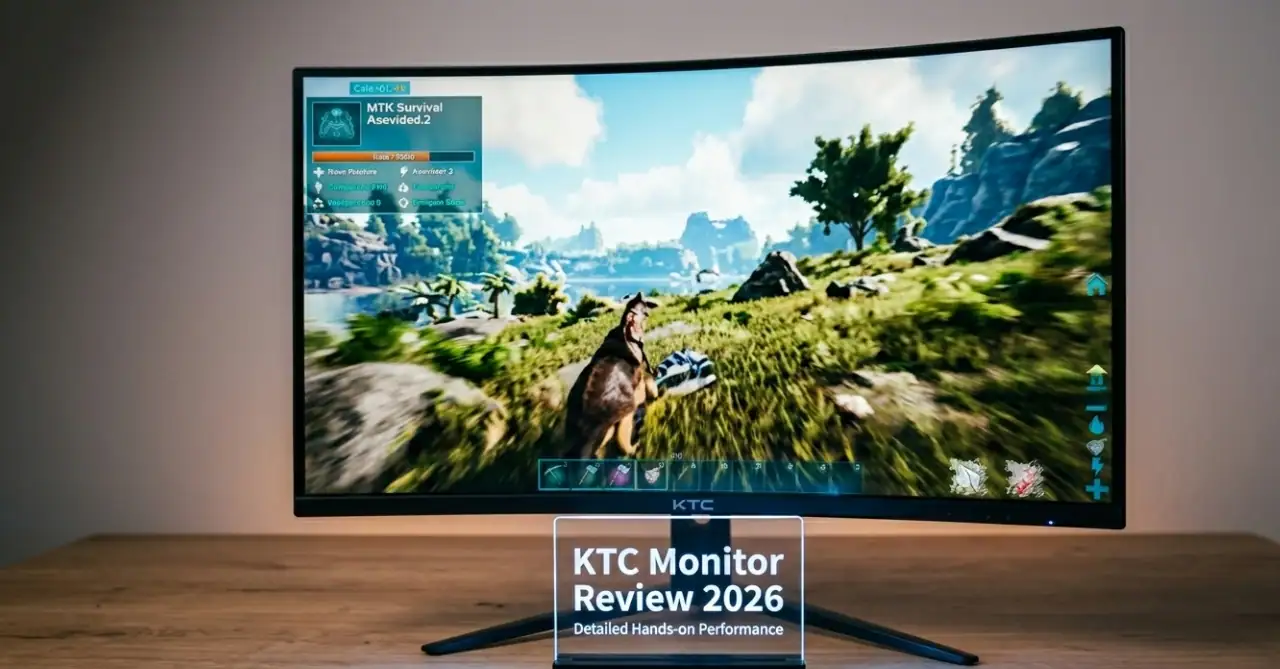
KTC Monitor Review 2026: Best Budget Gaming Monitors Worth Buying?
Looking for a high-performance gaming monitor without breaking the bank? In this KTC Monitor Review 2026, we test Fast IPS and Mini-LED models for gaming performance, color accuracy and value. For years, getting a great gaming monitor meant paying a

Best Monitor Size for Gaming Guide in 2026: 24 vs 27 vs 32-Inch Monitors
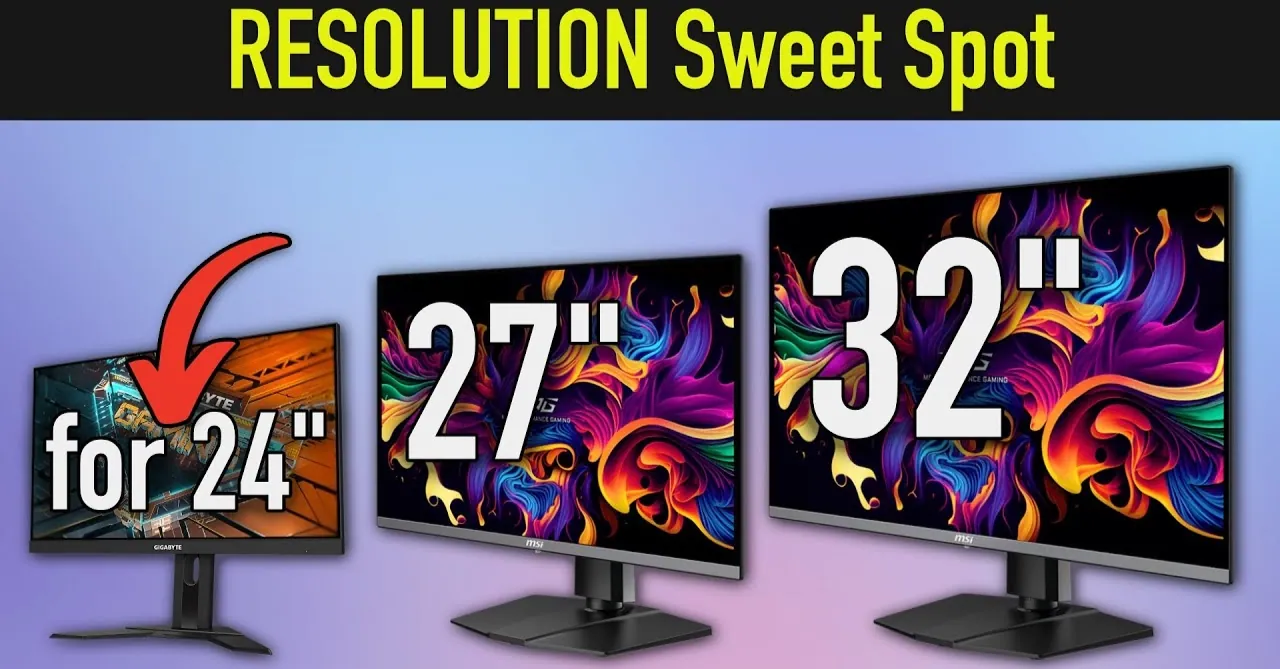
Choosing the best monitor size for gaming is easy to say, but finding a perfect gaming monitor is hard. Because some players say that a smaller screen provides a smooth gaming performance and helps to balance speed. And some other

Best 1080p Gaming Monitor, Best Choices for Smooth Gaming in 2026
Finding the best 1080p gaming monitor in 2026 is a smartest move for gamers if you want to make your gameplay smooth, faster with clear and sharp visuals. In this article, we will discuss of the top 1080p Full HD

Best Gaming Monitors for Under $650 (Top 5 Picks for 2026)
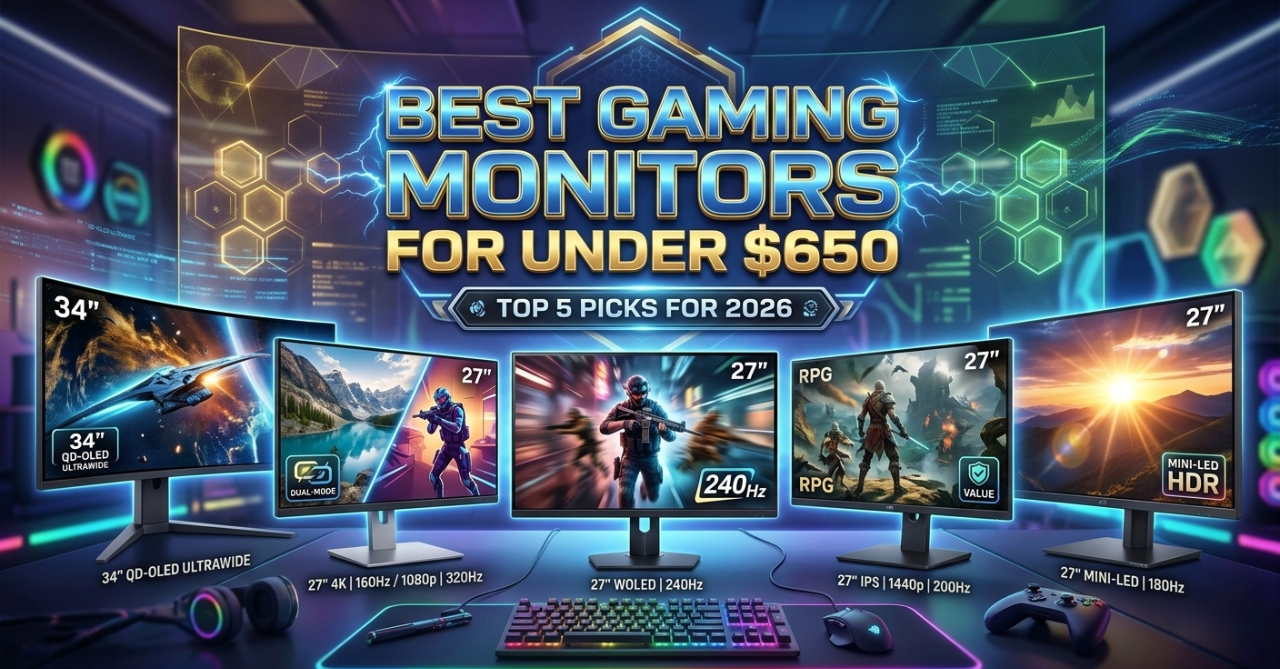
In this article, we will discuss about the top five best gaming monitors for under $650, which have advanced features and will provide you with next-level gaming experiences. If you are looking for high quality gaming monitor under $650, then

The Top 7 Best Cheap 4K Monitor for Gaming That Deliver Amazing Performance
Gaming in 4K no longer requires an extremely expensive monitor. Over the last couple of years, numerous brands have introduced affordable 4K gaming monitor that offer sharp visuals, seamless refresh rates, and good gameplay. When you are on a tight
Tech Reviews
KTC Monitor Review 2026: Best Budget Gaming Monitors Worth Buying?
Best Monitor Size for Gaming Guide in 2026: 24 vs 27 vs 32-Inch Monitors
Best Gaming Monitors for Under $650 (Top 5 Picks for 2026)
Technology
How to Choose a Monitor for Gaming: A Complete Buying Guide (2026)
Gadgets

How to Choose a Monitor for Gaming: A Complete Buying Guide (2026)
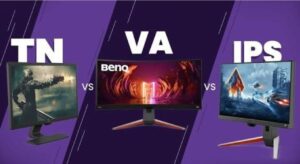
Buying a gaming monitor in 2026 is both exciting and overwhelming. Walk into any electronics store or browse Amazon for five minutes, and you’ll find hundreds of options — all throwing specs at you like refresh rates, panel types, resolution tiers, and response times. Most of it looks the same at first glance. But here’s the thing: the wrong monitor can genuinely hold your gaming back. And the right one can completely transform how games feel and look. This guide breaks everything down in plain English — no fluff, no jargon overload. By the end, you’ll know exactly what to look for and what to skip. How to Choose a Monitor for Gaming: Let’s Discuss Start With Your PC or Console Setup Before you look at a single monitor spec, check what you’re actually running games on. Your GPU (graphics card) and CPU set the ceiling for what any monitor can do for you. If your PC averages around 100 frames per second in the games you play, buying a 360Hz monitor won’t make gameplay smoother — it’ll just expose instability. A monitor never fixes performance problems. It shows them more clearly. So first, run a few of your regular games and check your real-world FPS using a tool like MSI Afterburner or the in-game counter. Then build your monitor choice around that number. For console gamers: The PS5 and Xbox Series X both cap out at 120fps, so anything above 144Hz is more than enough for you. Focus your budget on resolution, panel quality, and HDMI 2.1 support instead. Refresh Rate: The Spec That Changes How Games Feel The refresh rate is measured in Hz and indicates how many times per second your screen updates the image. This is the first spec that directly impacts how smooth gameplay feels. 60Hz — The Old Standard At 60Hz, mouse movement feels slightly sluggish, and fast motion in shooters or racing games looks blurry. It’s still playable, but in 2026, 60Hz is no longer a gaming standard — it’s a limitation. Once you game on something higher, going back feels like a handicap. 144Hz to 180Hz — The Sweet Spot This is where most gamers should land. The jump from 60Hz to 144Hz is immediately noticeable to essentially everyone on the first day. Games feel crisp, responsive, and smooth. Camera pans look clean instead of choppy. In 2026, most new gaming monitors — even budget ones — ship at 165Hz or 180Hz by default. If you’re buying today and settling for plain 144Hz, you’re already one generation behind. The good news is that modern mid-range GPUs can comfortably hit 120–180fps at 1080p or 1440p in most games, so this range is very practical. 240Hz and Above — For Competitive Players At 240Hz and beyond, the benefits get narrower. These refresh rates are designed for competitive players grinding games like CS2, Valorant, or Apex Legends, where every millisecond counts. If your PC can consistently push 240+ FPS in those titles, you’ll feel the difference. But here’s the honest truth: if your system dips to 90fps on a 240Hz monitor, you’re still only seeing 90 new frames per second. Higher refresh rates reward consistency, not just raw numbers. For most people — especially those who play a mix of story games, shooters, and RPGs — 165-180Hz is the right choice. Resolution: Match It to Your Screen Size and GPU Resolution determines how sharp and detailed everything looks. But it also directly multiplies the work your GPU has to do. Picking the wrong resolution for your hardware leads to constant performance compromises. 1080p (Full HD — 1920×1080) 1080p is still completely valid in 2026, especially for competitive gaming. If you’re playing fast-paced shooters and want the highest possible refresh rate without killing your GPU, 1080p is the practical choice. It’s cheap to run, and at 24 inches, it looks perfectly sharp. Where 1080p falls apart: anything larger than 24–25 inches. On a 32-inch screen, 1080p can look noticeably soft around text and edges. 1440p (QHD — 2560×1440) This is the mainstream sweet spot for gaming in 2026. The jump from 1080p to 1440p on a 27-inch monitor is a visible sharpness upgrade that no in-game graphics setting can replicate. Colors look richer, distant objects are sharper, and the overall image feels more immersive. A mid-range GPU like the RTX 4070 or RX 7800 XT can handle 1440p at high settings in most games. If you’re gaming on a 27-inch monitor and can afford a decent GPU, this is the resolution to target. 4K (UHD — 3840×2160) 4K looks jaw-dropping, especially in open-world games and cinematics. But running 4K well requires serious GPU power. If you try to push 4K without a high-end GPU like an RTX 4080 or better, you’ll end up dropping graphics settings just to hit acceptable frame rates — which defeats the purpose. Also worth noting: 4K on a 24-inch screen is often overkill. The human eye can’t resolve that level of pixel density at a normal desk distance. 4K makes the most sense at 32 inches and above. Panel Type: The Biggest Factor in Image Quality and Feel The panel is the actual display technology behind the glass. It affects color accuracy, contrast, motion clarity, and viewing angles. This is one of the most important decisions you’ll make. IPS — The All-Rounder IPS (In-Plane Switching) panels are the safest choice for most gamers. They offer accurate, vibrant colors, wide viewing angles, and fast enough response times for competitive play. Modern IPS monitors reach 165Hz–240Hz and beyond. If you’re not sure what to buy and want a monitor that handles games, movies, and productivity equally well, go for an IPS. It’s the most reliable category across the board. VA — Best Contrast on a Budget VA (Vertical Alignment) panels offer deeper blacks and better contrast than IPS, which makes dark scenes in horror games or space settings look genuinely dramatic. They’re usually cheaper too. The trade-off is motion performance. In fast

Best Budget Gaming Monitors in 2026
Discover the 10 best budget gaming monitors of 2026: top performance, high refresh rates, and great value picks for gamers on a budget. A monitor is crucial for a perfect gaming setup, but finding the best one within a limited
Empowering your digital lifestyle. WorldTech View delivers real-time tech news, expert buying guides, and innovative solutions to help you navigate the ever-evolving world of technology.