Choosing the best monitor size for gaming is easy to say, but finding a perfect gaming monitor is hard. Because some players say that a smaller screen provides a smooth gaming performance and helps to balance speed. And some other players say a big screen is best for smooth gaming. The truth is, there is no single perfect size for every gamer. The best monitor size depends on your gaming style, desk space, viewing distance, and the resolution you plan to use for gaming.
In this article, we will let you know the best monitor size for gaming. If you are in confusion, then read the post fully and make yourself clear about the matter and choose the best size for you.
Quick Answer: What’s the Best Monitor Size for Gaming?
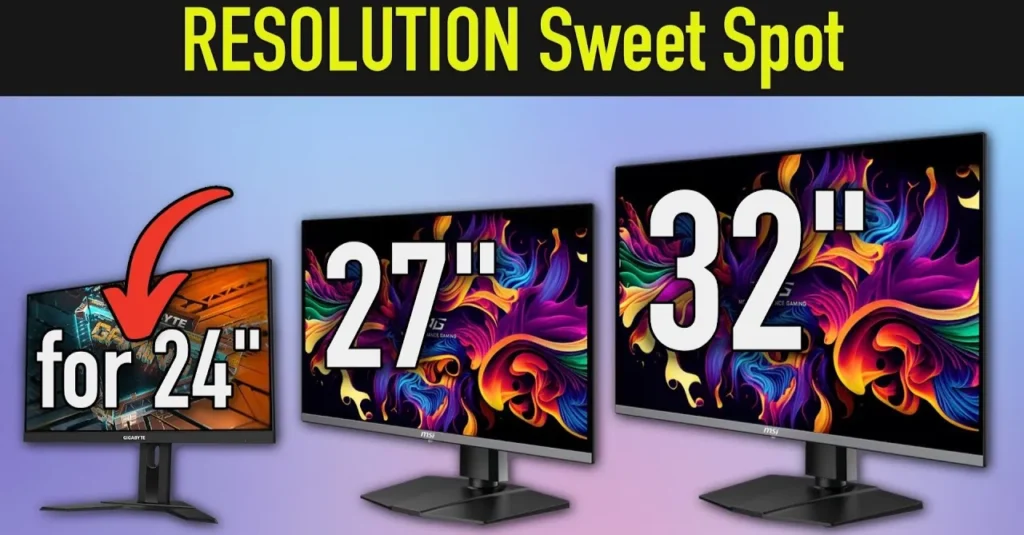
For most gamers, the best monitor size for gaming is 27 inches, which is a perfect standard size for all gaming. It gives the best balance between screen space, sharp visuals, and comfort. This standard size works well for both competitive games and story-based games and it fits most desk setups without feeling too small or too overwhelming, providing smooth gaming performance.
On the other hand, a 24-inch is still excellent for competitive FPS gaming, where it provides smooth performance, and a 32-inch is a great option for immersive single-player gaming if you have enough desk space and the right resolution for the big size screen.
24-Inch Monitors: Best for Competitive Gaming
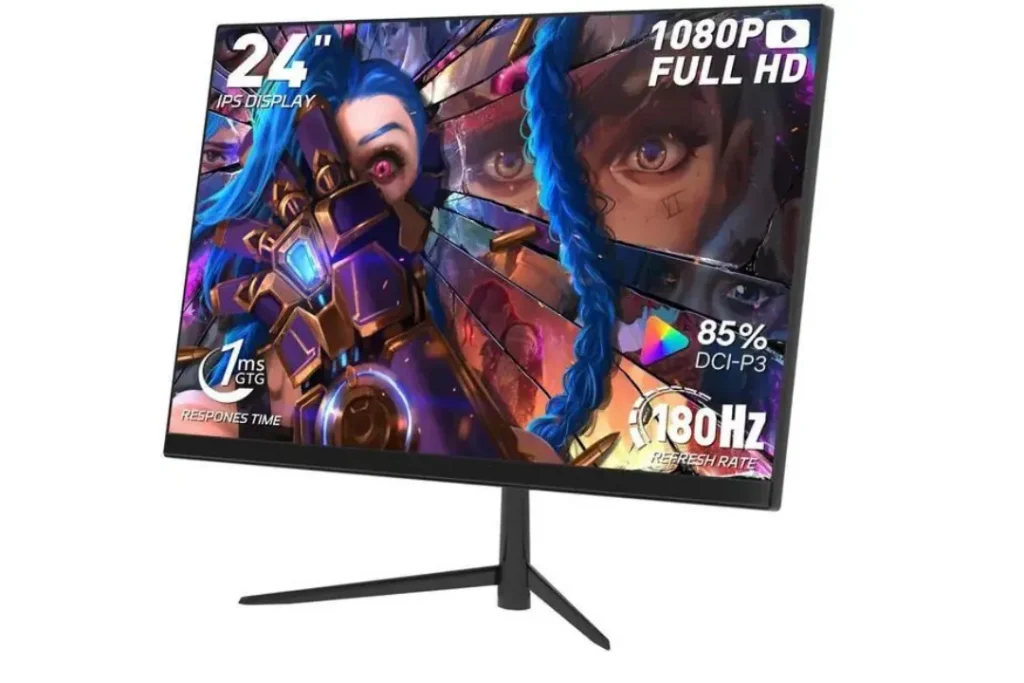
A 24-inch monitor is one of the best choices for fast-paced competitive gaming, and it will provide smooth performance. It is especially popular in esports and FPS games because the smaller screen makes it easier to see everything without moving your head too much and give smooth gaming experience. Your eyes can focus on the center of the screen and still track enemies in the corners quickly.
This size is ideal if your main goal is performance and reaction speed rather than cinematic visuals. It also works well for smaller desks and setups where you sit close to the screen.
The best resolution for a 24-inch monitor is 1080p. At this size, 1080p looks sharp enough for gaming, and it is easier for your PC to maintain high FPS while providing high-speed, smooth gaming. This is a major advantage if you want to play at 144Hz, 240Hz, or even higher refresh rates, as you can achieve better performance.
24-inch is best for:
- Best choice for competitive FPS gaming
- Smaller desk setups perfectly
- High FPS gaming on mid-range PCs
- Players who want a focused screen without distraction
27-Inch Monitors: The Best All-Round Gaming Size
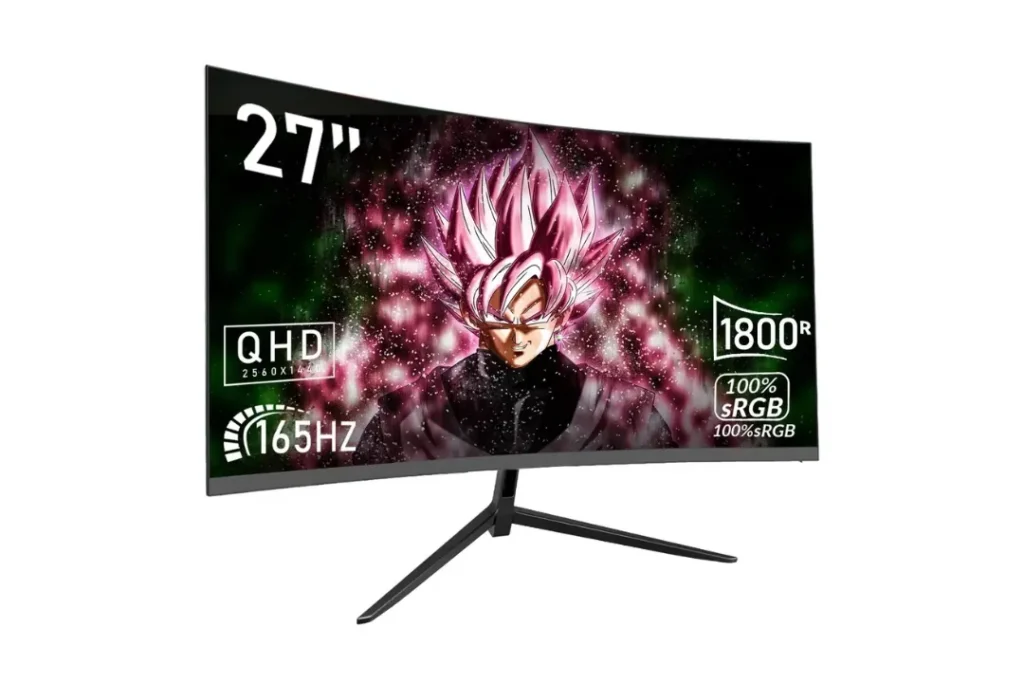
The 27-inch monitor is widely considered the best monitor size for gaming because it feels like a real upgrade without becoming too large, ensuring faster gaming performance. It gives you more space compared to a 24-inch monitor and makes games feel more immersive, yet it still stays comfortable for long sessions.
This size is perfect for gamers who play multiple types of games, such as FPS, RPG, racing, story games, and even casual games. It also works great for multitasking, watching content, and general computer use.
The best resolution for a 27-inch monitor is 1440p. This combination delivers strong clarity, better detail, and a cleaner image than 1080p. It also gives a modern gaming experience without needing extreme GPU power like full 4K gaming.
27-inch is best for:
- It is perfect for Mixed gaming (competitive and casual)
- 1440p (2k) gaming with sharp visuals with full clarity
- Long, comfortable gaming sessions of both (competitive and casual)
- Most PC gamers who want a safe long-term choice
32-Inch Monitors: Best for Immersive and Cinematic Gaming
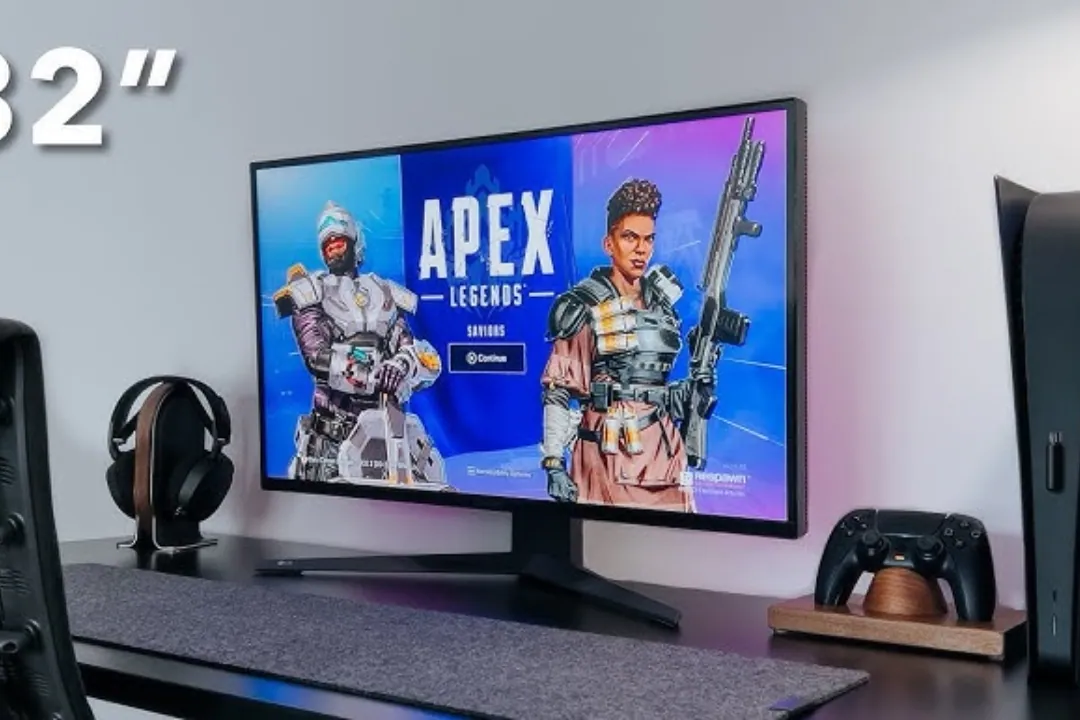
A 32-inch gaming monitor is best for players who want maximum immersion with a large screen. It feels more like a cinematic screen and makes single-player games look more impressive visually. This size is excellent for open-world games, RPGs, racing games, and more games where you want to enjoy the visuals and detail rather than focus only on speed.
The biggest thing to understand is that 32-inch monitors require more space to set up the monitor on your desk. If you sit too close to a large screen, it can feel uncomfortable and force you to move your eyes and head more than usual. This can reduce comfort in competitive gaming where quick reaction matters.
Resolution becomes very important at 32 inches. If you choose the large 32-inch display, then 1440p can still work and 4K is often the best match for this large size because it keeps the image sharp and detailed, especially in modern AAA games.
32-inch is best for:
- Single-player and immersive games
- Bigger desk setups for this large monitor
- 4K gaming or console gaming will provide better performance
- Players who prefer a cinematic experience
Ultrawide Monitors: Are They Better Than Standard Sizes?
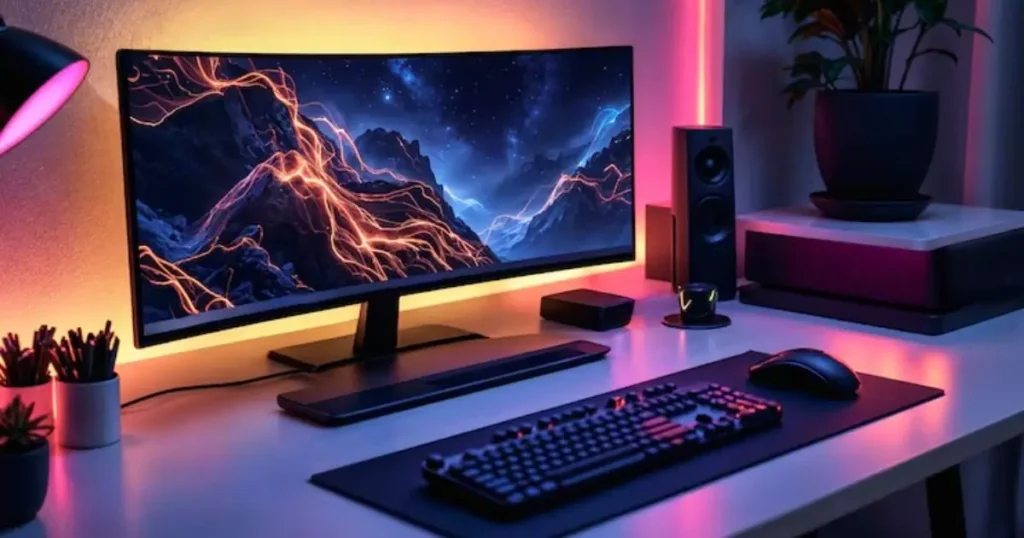
Do you know about the Ultrawide Monitor? Ultrawide monitors are a different experience compared to normal monitors. It provides a wider field of view and makes games feel more immersive, especially racing, simulation, and open-world games. Ultrawide screens are also excellent for productivity because you can keep multiple windows open side by side.
Although ultrawide monitors are not always the best choice for competitive FPS players. Some games do not support ultrawide properly, and the extra width can distract competitive players who want everything centered and fast.
Ultrawide monitors are great for:
- Racing games and simulators
- Open-world and RPG games
- Immersive story gaming
- Productivity and multitasking
Ultrawide monitors are not ideal for:
- Pure competitive FPS gaming
- Small desks and a small space
- Budget-focused setups
Why Resolution Matters More Than Size Alone
One of the biggest mistakes gamers make is choosing a monitor size without considering resolution. A monitor might look large and impressive, but if the resolution does not match the size, the image can look soft or blurry.
This is why the size and resolution combination matters so much. When the resolution is too low for a larger screen, the pixels become more visible and the image loses sharpness. When the resolution matches the screen size properly, everything looks clean, detailed, and comfortable.
Best size and resolution combinations:
- 24-inch with 1080p
- 27-inch with 1440p
- 32-inch with 4K
Monitor Size vs Desk Setup: Choose What Fits Your Space
Your desk size and seating distance matter as much as the monitor itself. A screen that looks perfect in a shop display might feel too big or too small once you use it at home.
If you sit close to the screen, a 24-inch or 27-inch monitor will usually feel more comfortable. If you sit farther back or have a deep desk, a 32-inch monitor can feel much better and more natural.
A good monitor should feel comfortable for both gaming and daily use. If you are constantly moving your head or adjusting your position, the size is probably not right for your setup.
Best Monitor Size by Gaming Type
If you want a quick decision based on the type of games you play, these choices work best for most people.
Best for competitive FPS gaming:
- 24-inch
Best for all-around gaming:
- 27-inch
Best for immersive and cinematic gaming:
- 32-inch
Final Recommendation: What Should You Choose?
If you want the safest and most balanced option for gaming, then a 27-inch is the best monitor size for gaming and it is a perfect standard size. This monitor usually provides perfectly for modern gaming, especially with 1440p resolution. It gives you strong immersion visuals while gaming without losing comfort, and it fits well on most desks.
If your priority is competitive gaming and high FPS, a 24-inch is still one of the smartest choices you can make. It keeps everything in your view and supports extremely fast gameplay.
If you want maximum immersion visuals and you have the desk space for this large display, a 32-inch display can feel like a major upgrade, especially when paired with 4K resolution, which will show you high-quality visuals while gaming and watching videos.
Related post: Best Acer Monitor Settings for Gaming: Complete Guide for Smooth Gameplay