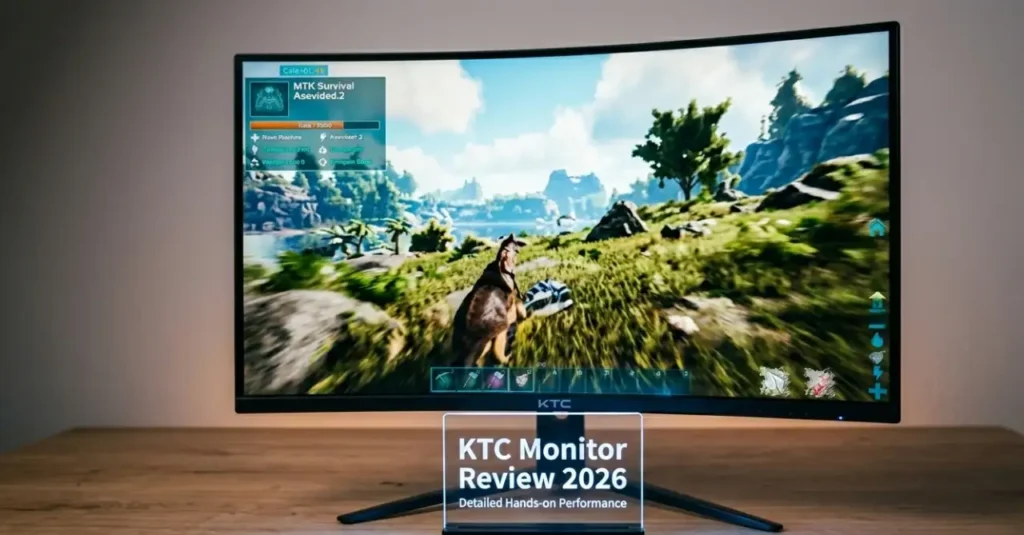
KTC Monitor Review 2026: Best Budget Gaming Monitors Worth Buying?
Looking for a high-performance gaming monitor without breaking the bank? In this KTC Monitor Review 2026, we test Fast IPS and Mini-LED models for gaming performance, color accuracy and value. For years, getting a great gaming monitor meant paying a premium. Sharp 1440p or 4K resolution, high refresh rates, vibrant colors, solid HDR — these weren’t cheap features. They came with a big brand name attached: ASUS, LG, Samsung. And a big price tag to match. KTC is here to change that conversation. Despite flying under the radar, KTC — short for Key To Combat — is far from a newcomer. They’ve spent over two decades manufacturing premium panels for some of the biggest names in tech as an OEM (Original Equipment Manufacturer). Now they’re selling direct to consumers, skipping the middleman and the inflated brand markups entirely. The result? High-end features at prices that are hard to argue with. But do they actually deliver? In this review, we break down KTC’s design, display performance, strengths, and weaknesses — so you can decide if they deserve a spot on your desk in 2026. Key Highlights Advantages of KTC Monitors Disadvantages of KTC Monitors Design and Build Quality of KTC Monitor Review in Details The first impression when you open a KTC monitor is a sense of heavy, useful design rather than bling-bling circus antics. KTC subscribes to an Industrial Utility philosophy – they put more emphasis on structural integrity and practicality, rather than low cost, cosmetic plastic, or wasteful RGB neon lights. The general construction seems solid and engineered to last long and serve for daily use. Aesthetics KTC monitors also have a sleek matte black finish which appears to be professional and does not show fingerprints. One of their largest visual assets is the 3-sided frameless design. The extremely thin bezels produce a sleek and immersive appearance and transform these monitors into a fine two or even three-monitor design where you get virtually no panoramic-like Ergonomics and Stand The quality of the stands is one of the areas in which KTC has been excelling. Here, many budget monitors save corners; however, KTC monitors are made of heavy-duty and fully adjustable ones. You have height adjustment, tilt, swivel and even 90 degree pivot to portrait mode. The broad base provides a high level of stability, keeping the monitor stable even during arduous gaming. For users who like monitor arms, there are standard 100x100mm VESA holes that are easily compatible. Panel Technology: Fast IPS vs. Mini-LED What is on the screen is the actual star of the KTC monitors. They do not use low-grade panels but rather high-performance glass just like the one you see in even more expensive displays. Fast IPS Excellence They are using Fast IPS panels in most of their popular gaming models, including the H27T22 and H27T22S. This technology addresses the long-standing complaint about IPS panels being too slow. You combine the signatory strengths of IPS beautiful and precise colors, wide 178-degree viewing angles, with a fast 1ms GtG response time that is comparable to classic TN displays. The outcome is a steady, colorful movement with minimal ghosting. The Mini-LED Revolution KTC has made Mini-LED technology more affordable than ever. Top-of-the-range models, such as the M27P6, have an amazing 1,152 local dimming zones. This enables the monitor to switch off the backlight in dark areas, while the bright areas remain bright. The outcome? Significantly greater contrast (some scenes up to OLED) and much deeper blacks, as well as a high-quality HDR performance with high peak brightness (often DisplayHDR 1400 certified). These displays are bright in shades of the dark cinema games and lighter in the colorful titles. Gaming Performance: Speed, Accuracy, and Smoothness True to their “Key To Combat” name, KTC monitors are built to perform in fast-paced gaming environments. Refresh Rates KTC has a broad range – solid 165-180Hz on their 1440p Fast IPS models, down to 160Hz at 4K with dual-mode support on Mini-LED models. With competitive games such as Counter-Strike 2, Valorant, or Fortnite, the increased refresh rate will make the motion feel like a dream, improve target acquisition, and the ability to avoid eye fatigue during a long match. Adaptive Sync (G-Sync & FreeSync) Screen tearing can ruin immersion. KTC monitors support both AMD FreeSync and NVIDIA G-Sync compatibility. In real-world testing, synchronization works smoothly across varying frame rates, delivering tear-free and stutter-free gameplay. Input Lag Input lag remains impressively low across the lineup, often staying well under 5ms in many modes. This near-instant response between your inputs and on-screen action gives competitive players a noticeable edge. Professional Use: Color Accuracy for Creators As gaming monitors, most KTC models surprisingly work well for content creation. The majority of panels provide high color coverage – usually full sRGB, 90-95%+ DCI-P3 and acceptable Adobe RGB performance. The price of factory calibration is usually worth it, and with a simple manual adjustment or automatic hardware calibration, they are accurate enough for photo and video editing and design. They are also comfortable during long working hours thanks to their wide viewing angles and ergonomic stands. Connectivity: A Port for Everything KTC pays good attention to modern desk needs. You’ll usually find: This thoughtful connectivity makes KTC monitors versatile for both gaming PCs and productivity setups. The OSD and User Experience The rear joystick controls the On-Screen Display. Navigation is hasty and easy. The gamer will find built-in features like crosshair overlays, timers, and a black equalizer useful for bringing out the details in dark shadows without overexposing bright areas. Who Should Buy a KTC Monitor? KTC monitors are an excellent choice for: Who Should Skip? Consider other options if: Recommended Models (2026) Buying Tips for KTC Monitors Buy from trusted retailers like Amazon, Newegg, or the official KTC store to avoid gray-market units. The majority of the models are available with a 3-year warranty – register it as soon as possible. Check the monitor extensively in case of dead pixels, uniformity, backlight bleed and in the
KTC Monitor Review 2026: Best Budget Gaming Monitors Worth Buying? Read More »
Reviews