Gaming has changed a lot. The monitors we used five years ago feel ancient now. And in 2026, picking the best monitor technology for gaming is not just about getting a big screen — it is about choosing the right panel, the right refresh rate, and the right resolution for the way you actually play.
This guide breaks everything down. No tech jargon. No fluff. Just real, useful information so you can make the right call.
Why Your Monitor Matters More Than You Think
Your GPU can push 300 frames per second. But if your monitor only refreshes 60 times per second, you are seeing 60 frames. That is it.
A great monitor does not just make games look better — it makes you play better. Faster response times mean you react faster. Higher refresh rates mean motion looks smoother and cleaner. The right panel technology means dark scenes actually look dark, not washed out gray.
In 2026, the gap between a budget monitor and a premium one is massive. Let us look at every major technology you need to know.
The Main Panel Technologies in 2026
1. QD-OLED — The Best All-Around Technology Right Now
If you want one technology to know about, it is QD-OLED. This is the clear winner for most gamers in 2026.
QD-OLED stands for Quantum Dot OLED. Samsung Display builds the panels, and brands like ASUS, MSI, and Dell use them in their top monitors. Here is how it works — a blue OLED layer lights up quantum dots that produce red and green light. No color filter needed. The result is colours that pop with incredible accuracy and vibrancy.
Every single pixel creates its own light. When a pixel needs to show black, it simply turns off completely. That means you get true black — not dark grey, but actual black. The contrast is infinite. Games with dark environments look completely different on a QD-OLED compared to a regular LCD.
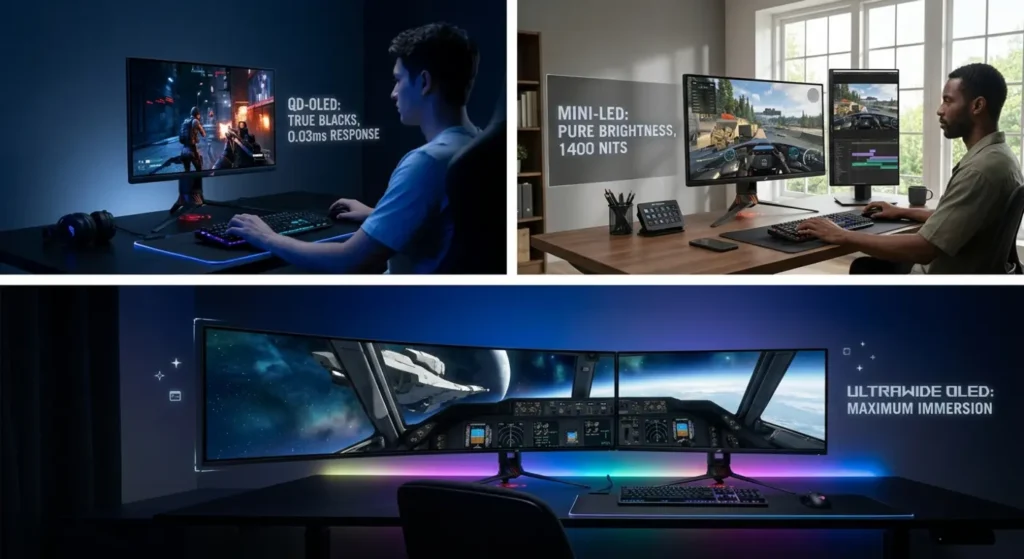
Response time on QD-OLED is around 0.03ms. That is almost instant. No ghosting. No trailing. Fast-moving objects in games stay sharp and clean.
The 5th generation QD-OLED panels in 2026 are noticeably brighter than earlier versions, pushing past 1000 nits peak brightness. This makes HDR content look genuinely impressive, not just “slightly brighter.”
Best for: Competitive gamers who also care about image quality. Open-world games, shooters, RPGs — this panel handles everything.
Top pick: ASUS ROG Swift OLED PG27UCDM — 4K, 240Hz, QD-OLED. Reviewed as the best gaming monitor tested by RTINGS in 2026.
2. WOLED (White OLED) — Outstanding Image Quality
WOLED is the other type of OLED technology. LG makes most of these panels. Instead of quantum dots, it uses white, red, green, and blue subpixels together.
Modern WOLED panels now include MLA — Micro Lens Array. This is a layer of tiny lenses that focuses light toward your eyes, boosting brightness without using extra power. It is a clever piece of engineering.
WOLED delivers the same perfect blacks as QD-OLED. Response time is also near zero. Where it slightly differs is in color vibrancy — QD-OLED tends to produce more saturated, vivid colours, while WOLED feels a touch more natural and accurate.
ASUS uses WOLED panels in monitors like the ROG Swift OLED PG32UCDP, which features a unique dual-mode system. One panel can run at 4K/240Hz for cinematic gaming and 1080p/480Hz for competitive shooters. Two monitors in one.
Best for: Gamers who want top-tier visual quality and also use their monitor for creative work or content consumption.
3. Mini-LED — The Bright Alternative
Not everyone wants OLED. Mini-LED is a strong alternative — and in some areas, it actually wins.
Here is what Mini-LED does. Instead of one backlight behind the entire screen, thousands of tiny LEDs light up different zones independently. This gives you much better control over brightness and contrast compared to old LCD monitors.
The ASUS ROG Swift PG32UQX, for example, uses 1,152 individual dimming zones. Bright areas of the screen stay bright. Dark areas dim down. It is not as perfect as OLED’s pixel-level control, but it gets much closer than standard LCD ever could.
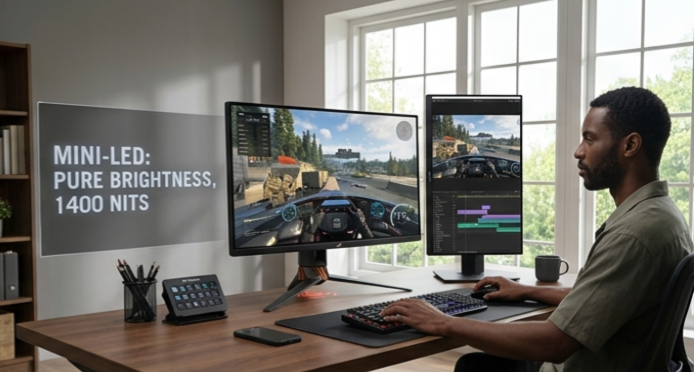
Where Mini-LED genuinely beats OLED is peak brightness. Some Mini-LED monitors hit 1,400 nits sustained brightness. That is excellent for HDR and for use in bright rooms. OLED panels can struggle in very bright environments where sunlight hits the screen.
Mini-LED also has zero burn-in risk. That is a real advantage for gamers who play the same game with a fixed HUD for many hours every day.
Pricing is another factor. A quality 32-inch 4K Mini-LED monitor can offer better value than a 32-inch 4K OLED at the same size category.
Best for: Bright room gaming, HDR enthusiasts, gamers worried about burn-in, and those who want large 32-inch+ screens without paying OLED prices.
4. IPS (In-Plane Switching) — The Reliable Classic
IPS is not flashy. But it is still very good — and very affordable.
Standard IPS uses a backlight that shines through liquid crystal layers. Black levels are not as deep as OLED. Contrast ratio is typically around 1000:1. But colour accuracy is excellent, viewing angles are wide, and prices are much lower.
In 2026, IPS panels at 1440p and 165Hz or 240Hz are great entry points into high-refresh gaming. The LG UltraGear 27GR83Q is a solid example — 1440p, 240Hz, Nano IPS, 1ms GtG response time, and 98% DCI-P3 colour coverage.
For competitive FPS players who prioritise pure speed over picture quality, IPS is still a strong choice. You get excellent motion clarity at a price that leaves budget for better GPU upgrades.
Best for: Budget-conscious gamers, esports players, and those stepping up from a 60Hz screen for the first time.
Refresh Rate — How Much Do You Actually Need?
This is one of the most common questions in 2026. Here is a straight answer.
- 144Hz — The sweet spot for most gamers. Night and day difference from 60Hz. Smooth, responsive, comfortable.
- 240Hz — Highly recommended in 2026, especially for competitive play. Most GPUs can realistically feed this.
- 360Hz — Worth it if you play FPS games at a competitive level and your PC can push 300+ fps consistently.
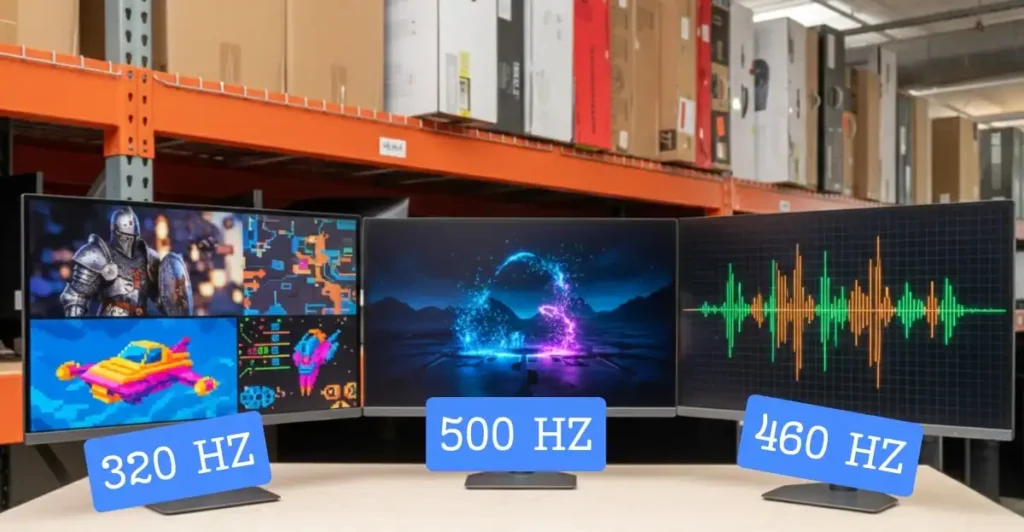
- 480Hz and 540Hz — For elite esports players only. HyperX even announced a 500Hz QD-OLED monitor in 2026 — a sign that OLED is now entering the extreme-speed competitive space.
For most people, 240Hz is the target in 2026. It offers plenty of smoothness for both casual and competitive gaming.
Resolution — 1080p, 1440p, or 4K?
Resolution affects both image sharpness and how hard your GPU works.
1080p makes sense if you play competitive shooters and need very high frame rates. Your GPU works less hard, so you can push 300+ fps on a 360Hz monitor more easily.
1440p is the most popular choice in 2026 for good reason. It is sharper than 1080p and easier to drive than 4K. A mid-range GPU like an RTX 5070 or RX 9700 XT handles 1440p gaming at high settings with solid frame rates.
4K gives you the sharpest, most detailed image. It is brilliant for open-world games, RPGs, and single-player experiences. You do need a powerful GPU to run it well. On a 27-inch QD-OLED at 4K, the pixel density is incredibly sharp — tighter than any 32-inch 4K panel.
Adaptive Sync — Do Not Skip This
Screen tearing looks horrible. Adaptive sync fixes it.
Both AMD FreeSync and NVIDIA G-Sync work by syncing your monitor’s refresh rate to your GPU’s frame output in real time. The result is a perfectly smooth, tear-free image.
In 2026, FreeSync Premium monitors work well with both AMD and NVIDIA GPUs. Most high-end OLED gaming monitors include both G-Sync Compatible and FreeSync support.
Do not buy a gaming monitor without adaptive sync. It is not optional anymore.
What About Ultrawide Monitors?
Ultrawide monitors (21:9 aspect ratio) are popular for immersive gaming. A 34-inch ultrawide gives you a wider field of view — great for racing games, flight simulators, and open-world titles.
In 2026, the ultrawide + OLED + high refresh combination is a top enthusiast setup. Monitors like the ASUS ROG Swift OLED PG34WCDN deliver stunning visuals on a wide canvas.
One thing to know — ultrawide requires roughly 30% more GPU power than standard 1440p. Plan your hardware accordingly.
OLED Burn-In — Should You Still Worry?
This comes up every time someone considers buying an OLED monitor. Here is the honest answer.
Burn-in is a real thing — but it takes years of heavy, repetitive use with static images to become visible. Modern OLED monitors include pixel shifters, logo dimming, and automatic screen savers that significantly reduce the risk.
MSI even offers a 3-year burn-in warranty on some of their QD-OLED monitors. That shows how confident manufacturers are in their panels.
If you play a wide variety of games and do not leave a static HUD on screen for 10+ hours daily, the risk is very low.
The Best Connections — DisplayPort 2.1
To run 4K at 240Hz, you need the right cable. DisplayPort 2.1 is the standard in 2026 for high-end gaming monitors. It supports 4K at 240Hz without compression.
HDMI 2.1 is still common and handles 4K at 120Hz well — great for console gaming on PS5 or Xbox Series X. But for PC gaming at the highest settings, go DisplayPort 2.1.
Final Verdict — Which Technology Should You Choose in 2026?
Here is a quick summary:
- Want the absolute best? QD-OLED at 1440p or 4K, 240Hz. Perfect blacks, fast response, stunning colour. The ASUS ROG Swift OLED PG27UCDM or MSI MAG 272UP QD-OLED X24 are excellent choices.
- Want a budget-friendly option? AOC Q27G3XMN — 1440p, 180Hz, Mini-LED IPS. Great performance at a fraction of OLED pricing.
- Want pure competitive speed? ASUS ROG Swift PG248QP — one of the fastest monitors for FPS gaming available today.
- Worried about burn-in? Mini-LED is your safe choice with zero burn-in risk and impressive HDR brightness.
- Want the most immersive experience? 34-inch ultrawide OLED. Wide screen, perfect blacks, incredible depth.
The best monitor technology for gaming in 2026 is undeniably QD-OLED for most players. It hits the sweet spot of speed, colour accuracy, contrast, and response time better than anything else on the market. Prices have dropped significantly compared to just two years ago, making it more accessible than ever.
Pick the right monitor. Your games will never look the same again.