Finding the best gaming monitors for Xbox is no longer just about picking a screen; it is about unlocking the full potential of your console. It depends on what screen you have: the mighty Xbox Series X or the small Series S, because it is what will determine how smooth your movements will be and how detailed the worlds will be. The leap to OLED and Mini-LED in 2026 has changed gamers’ expectations of their systems, bringing darker blacks and unmatched response times that a traditional TV can never match.
Here, we have assembled the top 10 monitors from brands such as ASUS, Dell, LG, and Acer, which are among the world’s leading brands. These have been chosen for their support of 4K resolution, high refresh rates over HDMI 2.1, and HDR. Whether it is a tournament-winning eSports game or an open-world RPG that adds to the depth of the game, these monitors will be able to render each frame with surgical precision to provide you with a competitive advantage and a visual spectacle each time you turn on your Xbox.
Why You Need a Dedicated Gaming Monitor for Your Xbox
An Xbox Series X can also output 4K at 120Hz, but to actually view it, you need an HDMI 2.1 bandwidth monitor. A typical office monitor or an older television causes the screen to start tearing and input lag to be extremely high, and can be the difference between victory and defeat in a fast-paced first-person shooter. A gaming monitor has a Game Mode that bypasses intensive image processing, displaying your controller’s inputs on the screen immediately.
Moreover, features such as Variable Refresh Rate (VRR) and Auto Low Latency Mode (ALLM) are common on the best gaming monitors for Xbox. These technologies synchronize the monitor’s refresh rate with the console’s output, preventing stuttering. All of these technical benefits, paired with the higher color quality of OLED or the high brightness of Mini-LED, make playing a game more like living one.
1. ASUS ROG Swift OLED PG32UCDM
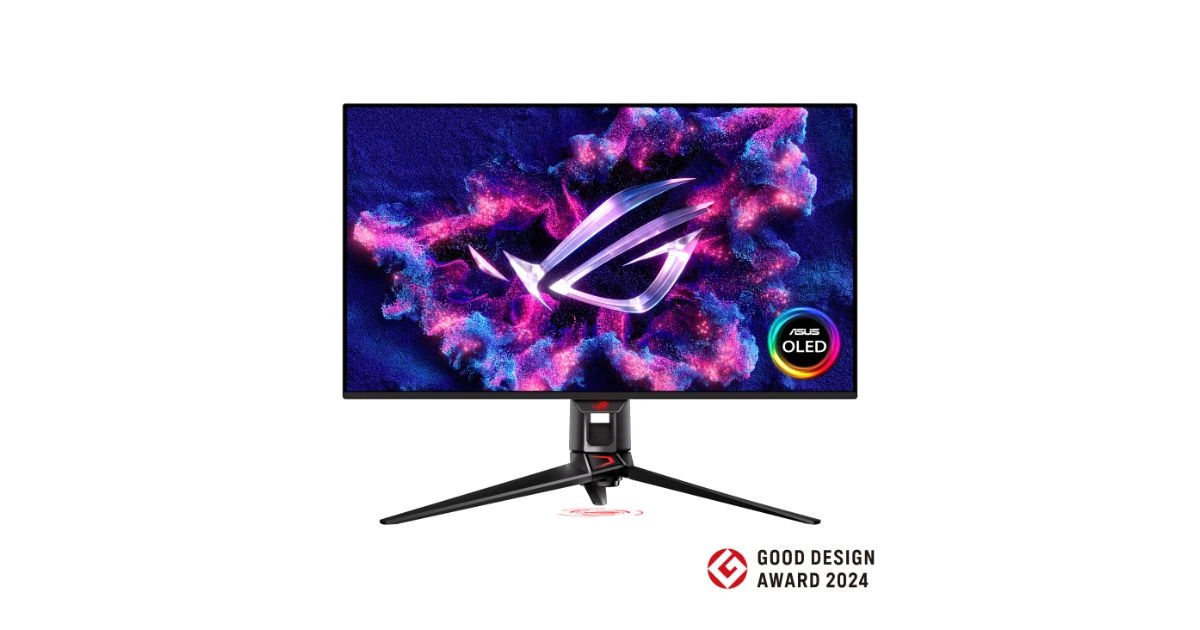
The ASUS ROG Swift OLED PG32UCDM is arguably the king of the “best gaming monitor for Xbox” category. Featuring a 32-inch 4K QD-OLED panel with a staggering 240Hz refresh rate, it provides the most vibrant colors and deepest blacks available today. For Xbox Series X players, HDMI 2.1 means you get flawless 4K at 120Hz. Its 0.03ms response time is virtually instantaneous, making motion blur a thing of the past. The custom heatsink keeps the OLED panel cool, significantly extending its lifespan compared to standard monitors.
Pros:
- Breathtaking 4K QD-OLED visual quality.
- Ultra-fast 0.03ms response time for zero lag.
- Full HDMI 2.1 support for Xbox Series X.
- Exceptional HDR performance with deep blacks.
- Premium build quality with an integrated heatsink.
Cons:
- Very expensive compared to IPS alternatives.
- Risk of OLED burn-in over long-term static use.
Why should you buy this monitor?
- You want the absolute best visual experience available.
- You play a mix of competitive shooters and cinematic RPGs.
- You need a monitor that handles both PC and Xbox perfectly.
- You value perfect contrast and “true black” levels.
- You want a future-proof display that will last for years.
Summary: This is the gold standard for high-end gaming. If your budget allows, the PG32UCDM offers a visual experience that makes every Xbox game look like a cinematic masterpiece.
2. GIGABYTE MO32U (32″ QD-OLED)
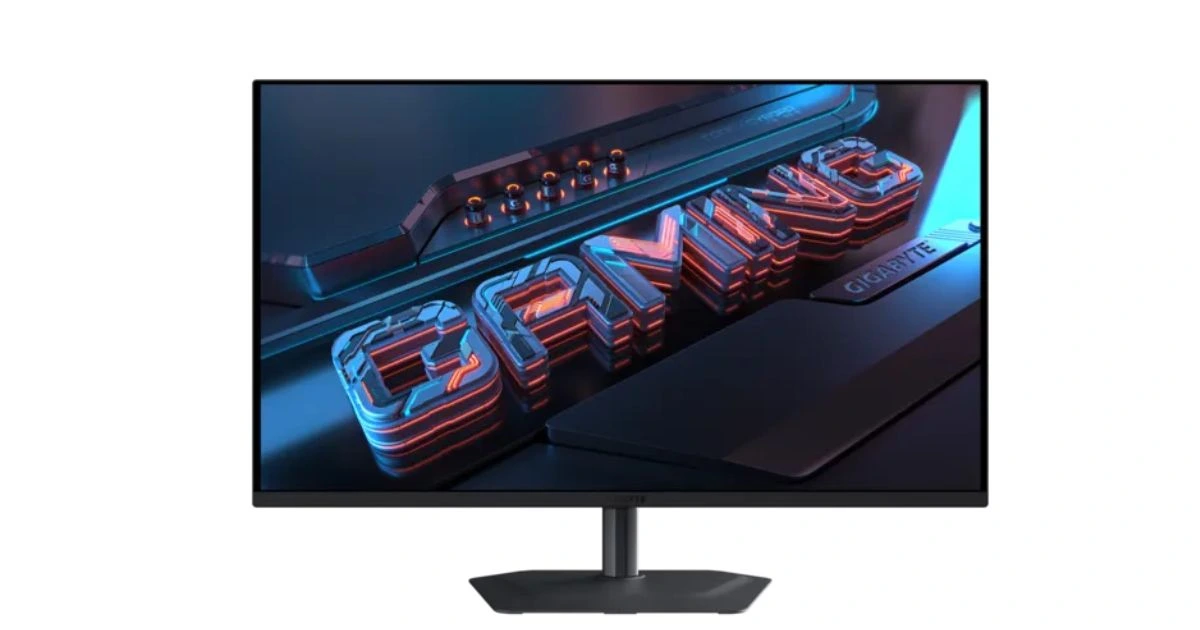
The GIGABYTE MO32U is a 32-inch QD-OLED monitor that is powerful enough to keep gamers engrossed. It has 4K resolution and a native high frame rate, making it a perfect match for the Xbox Series X’s hardware. The QD-OLED technology also offers a wider color gamut and higher brightness than conventional OLEDs, with HDR content delivering sparkling detail. It also has tactical game support such as Black Equalizer and Crosshair overlays to put you at an edge during a dark gameplay environment.
Pros:
- Superior color vibrance thanks to QD-OLED.
- Large 32-inch screen for a theater-like feel.
- A KVM switch for easy switching between the Xbox and the PC.
- Excellent motion handling with no ghosting.
- Sleek, modern design with a sturdy stand.
Cons:
- Occupies significant desk space.
- Internal speakers are average at best.
Why should you buy this monitor?
- You prefer a larger screen size for immersive gaming.
- You need accurate colors for both gaming and creative work.
- You want the latest QD-OLED technology at a competitive price.
- You frequently switch between multiple gaming devices.
- You play games with high-quality HDR environments.
Summary: The GIGABYTE MO32U is a versatile giant. It balances professional-grade color accuracy with elite gaming specs, making it a top-tier companion for any Xbox setup.
3. Dell Alienware AW2725QF
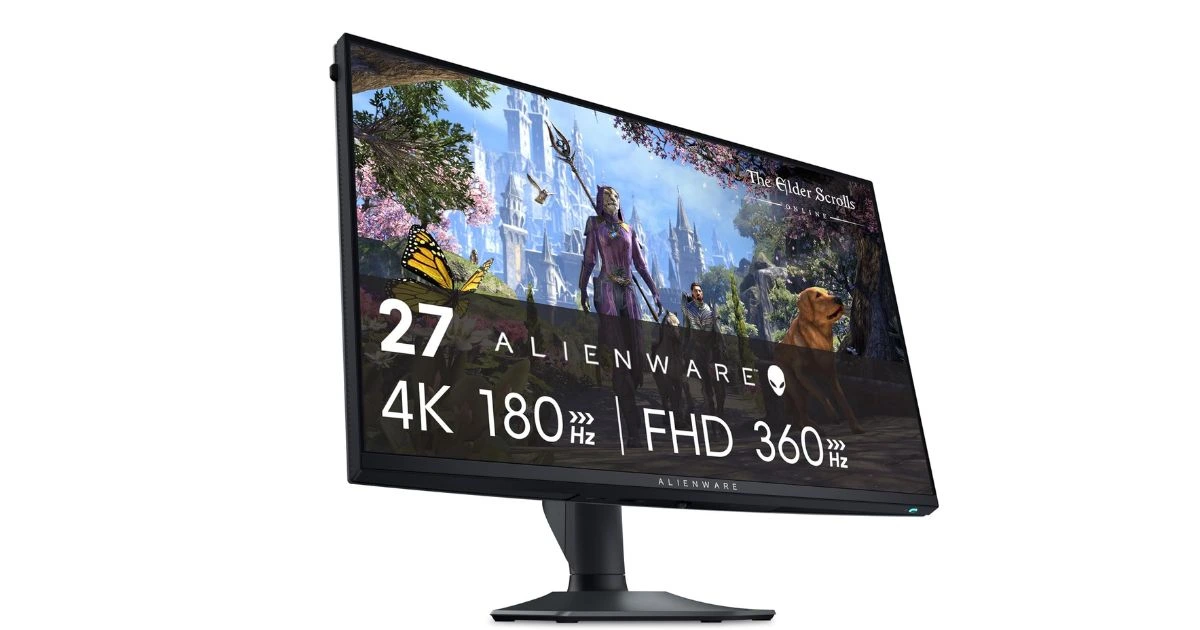
Alienware has always been associated with the gaming industry, and the AW2725QF is no exception. It is a 27-inch 4K monitor with speed focus and clarity. Although it is slightly smaller than the 32-inch monsters, it has a higher pixel density, and games appear amazingly clear. It is constructed using a high-quality panel, which supports Dolby Vision, which is an infrequent yet terrific attribute among gamers of Xbox. The company is the focal point of any gaming room with its iconic design, the legendary 3, and the ability to individually adjust the RGB lights.
Pros:
- Incredible pixel density and image sharpness.
- Support for Dolby Vision HDR.
- Fast refresh rate and low input lag.
- Iconic Alienware aesthetics and RGB lighting.
- Excellent ergonomic adjustments (tilt, swivel, height).
Cons:
- 27 inches might feel small for some 4K enthusiasts.
- The stand takes up a bit of depth on the desk.
Why should you buy this monitor?
- You want a sharp, compact 4K display.
- You are a fan of the Alienware ecosystem and design.
- You want a monitor that supports Dolby Vision for Xbox.
- You have limited desk space but don’t want to sacrifice specs.
- You play competitive games where every millisecond counts.
Summary: The Alienware AW2725QF is a refined gaming machine. It’s perfect for the “pro” gamer who wants high-end features in a more manageable 27-inch form factor.
4. ASUS ROG Swift OLED PG27UCDM
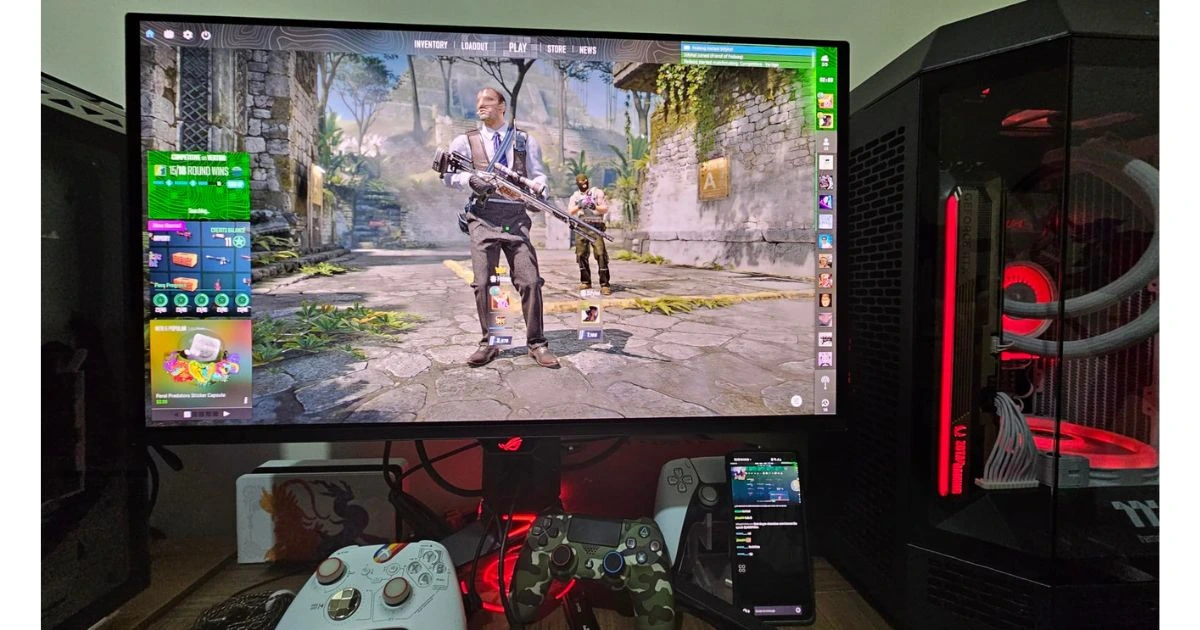
The 32-inch model shares the same smaller, quicker sibling as the PG27UCDM. This 27-inch powerhouse is a game-changer and the razor-sharp 4K resolution is offered to a smaller screen size, the first of its kind. The picture is even sharper and more detailed than on large screens, as the smaller screen size makes the image appear even sharper.
The Xbox Series eye-candy in 4K, at the same time, this monitor is not only resolution-focused, but speed-focused. Everything is incredibly fluid, with a blistering 240Hz refresh rate and an almost-instant response time of 0.03ms. It is an ideal weapon in games that are fast-paced, such as Halo or Call of Duty, where milliseconds count and a view of your enemy is a crucial part of winning.
- 1080p 4K on OLED on a 27 inch, the first of its kind.
- 240Hz refresh rate and 0.03ms response time to flawless fluidity.
- Characteristics 4 th -Gen QD-OLED screen with vibrant colors and deep blacks.
- DisplayPort 2.1 and 90W USB-C are included to simplify the process of charging.
Cons:
- One of the most expensive 27-inch monitors available.
- You will need to use a headset or external speakers.
Why should you buy this monitor?
- You want the sharpest 4K image possible on a smaller screen.
- You play fast Xbox games where speed is your main weapon.
- You want the latest tech like DisplayPort 2.1 and QD-OLED.
- You value high-end design and advanced cooling features.
Summary: If you are a competitive Xbox gamer who values speed and responsiveness above all else, the PG27UCDM is your best bet. It combines a stunning OLED panel with incredible speed, making it one of the most responsive monitors you can buy today.
5. LG UltraGear 27GX704A-B (OLED)
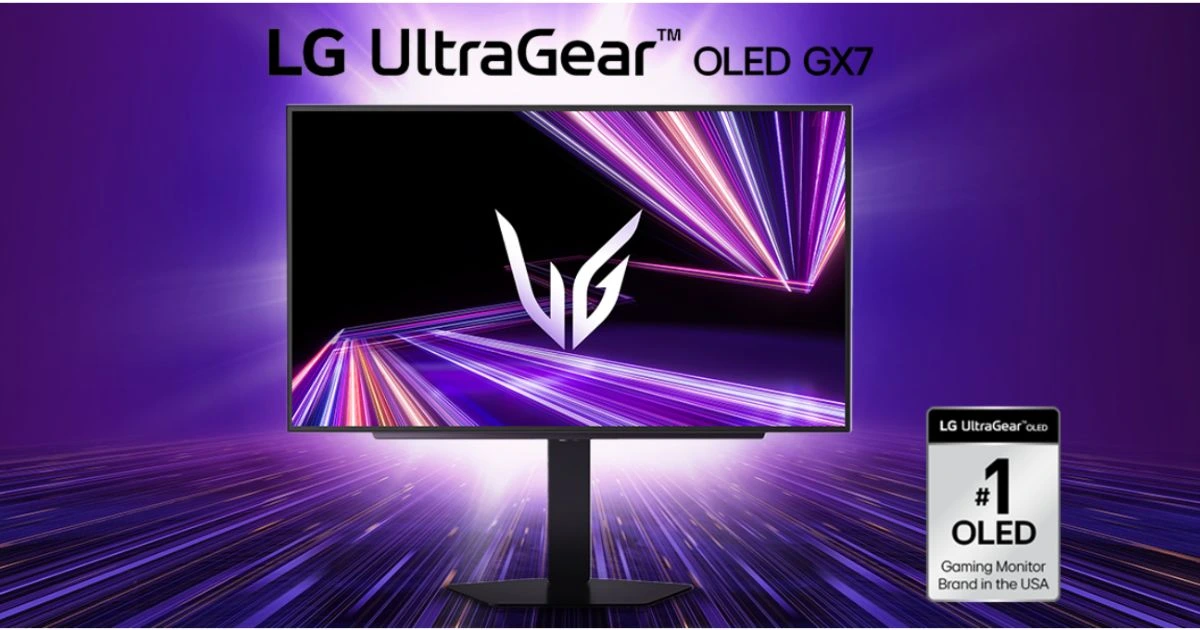
LG is an innovator in OLED technology, and the 27GX704A-B is the result of that expertise. This is a 27-inch QHD OLED monitor meant to be a speed demon. It has a high 240Hz refresh rate for faster gaming. The high refresh rate and LG’s UltraGear styling make it a wonderful fit for any gaming style. It also has a tear-free performance with excellent VRR support for Xbox users. The colors are vivid, and the blacks are as deep as they can be, which makes it horrifying for space-related games.
Pros:
- Authentic LG OLED panel technology.
- Outstanding motion handling and 0.03ms response times.
- Anti-glare coating works well in bright rooms.
- Compact design fits well on any desk.
- Very low input lag.
Cons:
- HDR brightness is lower than that of Mini-LED models.
- The external power brick is quite large.
Why should you buy this monitor?
- You want a reliable OLED from a trusted brand like LG.
- You play in a room with some ambient light (good anti-glare).
- You want a smooth, stutter-free VRR experience.
- You prefer 1440p for a more stable high-FPS experience.
- You want a sleek, bezel-less design.
Summary: LG delivers a solid, dependable OLED experience here. It’s a great mid-sized option that doesn’t compromise on the premium feel of an OLED panel. They offer 1440p resolution, 240Hz refresh rate and low 0.03ms response times.
6. AOC Q27G3XMN
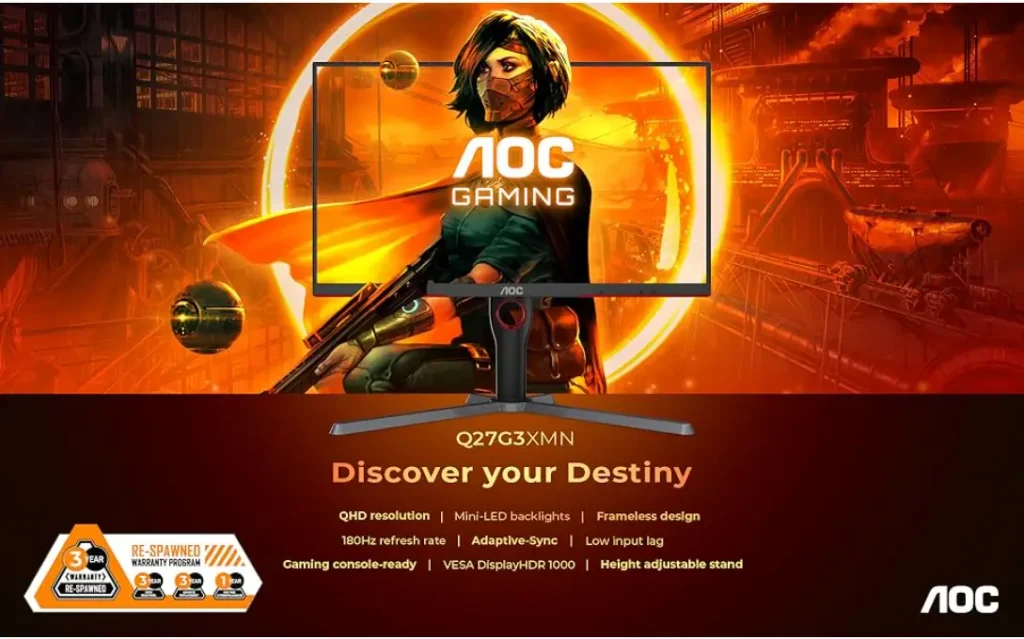
The cheapest on the list of the best gaming monitors on Xbox is the AOC Q27G3XMN. The difference with this monitor is that it uses Mini-LED technology, which costs only a small fraction of its competitors’. This monitor comes with 180Hz and a low 1ms response time. It has 336 local dimming zones, providing HDR functionality comparable to that of more expensive monitors. It also offers 1440p resolution, which appears excellent on a 27-inch screen, and thus it is an excellent value-for-money option for users of both the Xbox Series S and Xbox Series X.
Pros:
- Incredible value for a Mini-LED monitor.
- High peak brightness for impressive HDR.
- Good contrast with local dimming.
- Sturdy build quality.
- Smooth 1440p performance.
Cons:
- Some “blooming” around bright objects in dark scenes.
- Viewing angles aren’t as wide as IPS or OLED.
Why should you buy this monitor?
- You want HDR that actually looks good without spending $1000.
- You are looking for the best “bang for your buck.”
- You play in a bright room and need high screen brightness.
- You want a modern 1440p display for your Xbox.
- You are upgrading from a basic 60Hz monitor.
Summary: AOC has disrupted the market with this model. It’s the perfect choice for gamers who want a high-end HDR experience on a realistic budget.
7. LG UltraGear 45GR75DC
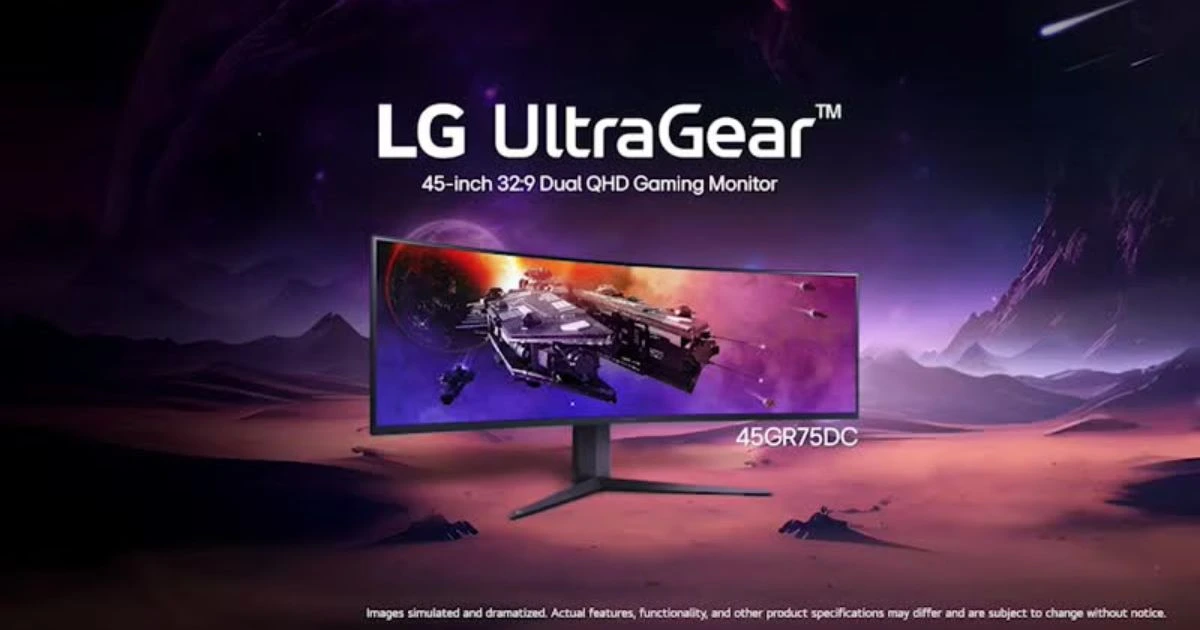
To people who think bigger is better, the LG 45GR75DC is a monster of a curved ultrawide. This monitor has a 5K QHD 1440p resolution, a 200Hz refresh rate, and a low 1ms response time. Although not every game is supported on Xbox with higher-than-16:9 (ultrawide) aspect ratios, the sheer size of the monitor, combined with its curvature, offers a truly enormous field of view. It is a 45-inch screen that surrounds your vision, and racing games and flight simulation in the Xbox may seem so real. It also has a high refresh rate and high color reproduction.
Pros:
- Massive 45-inch curved screen for total immersion.
- Excellent for racing and simulation games.
- Good brightness and color accuracy.
- High refresh rate support.
- Modern, aggressive gaming design.
Cons:
- Xbox games will have black bars on the sides (due to the 16:9 limit).
- A huge footprint requires a very large desk.
Why should you buy this monitor?
- You love curved screens and an immersive “cockpit” feel.
- You also use your monitor for PC gaming or movie watching.
- You want a massive display that replaces a TV.
- You play a lot of Forza or flight sims.
- You want a statement piece for your gaming setup.
Summary: While ultrawide support on Xbox is limited, the scale of this monitor makes it a unique and thrilling choice for simulation enthusiasts.
8. Dell S3225QC
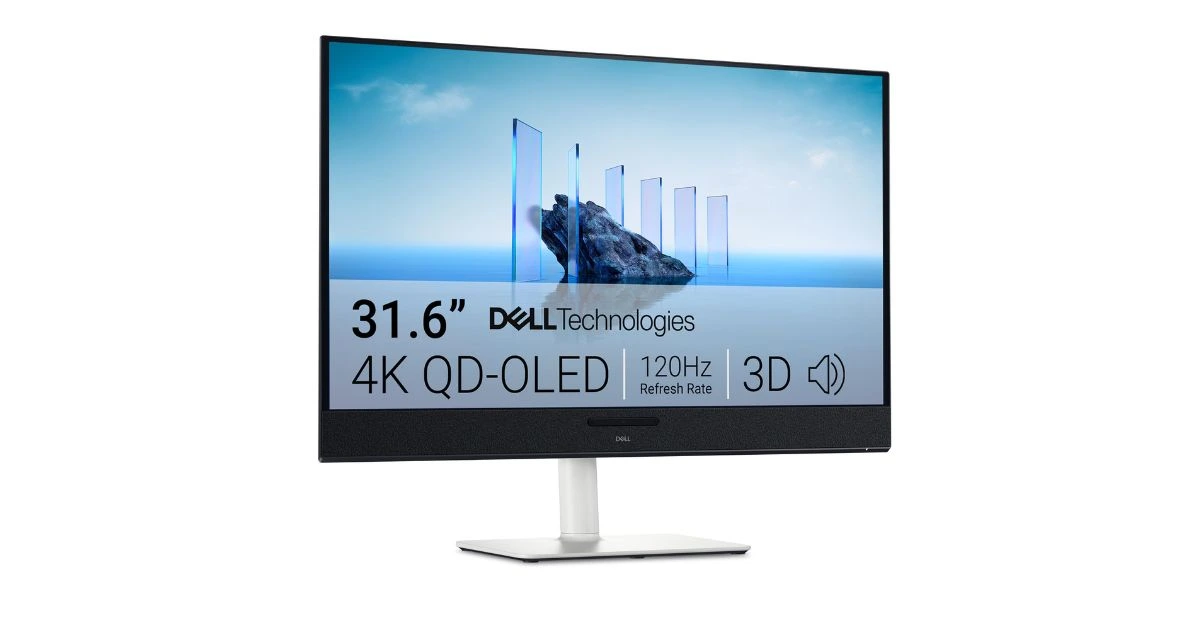
A curved 4K monitor, the Dell S3225QC, is the best match for work and play. It has a subtle 1800 R curve, which makes the 32-inch 4K screen more comfortable to watch. This is a great purchase option for Xbox gamers who also use their monitor at work or school. It is very visual, good in color consistency, and its built-in speakers are surprisingly good. This monitor supports a good 120Hz refresh rate and a low 0.03ms response time. This monitor will give you a good experience while playing Xbox games.
Pros:
- Beautiful 4K resolution on a curved panel.
- Great for both gaming and productivity.
- Built-in speakers save desk space.
- Sleek, professional aesthetic.
- Excellent value for a 32-inch 4K screen.
Cons:
- The refresh rate is limited compared to that of high-end OLEDs.
- No HDMI 2.1 (limited to 60Hz at 4K for some models).
Why should you buy this monitor?
- You need a monitor for both gaming and professional work.
- You prefer a subtle curve to reduce eye strain.
- You want the clarity of 4K without the “gamer” look.
- You are on a moderate budget but want a large screen.
- You appreciate Dell’s reliable warranty and support.
Summary: This Dell monitor is for the practical gamer. It’s a high-quality 4K display that handles casual Xbox gaming and serious work with equal grace. They offer a good 0.03ms response time, which helps you play a better game.
9. Acer Nitro 27″ WQHD IPS PC Gaming Monitor (2560x1440p)
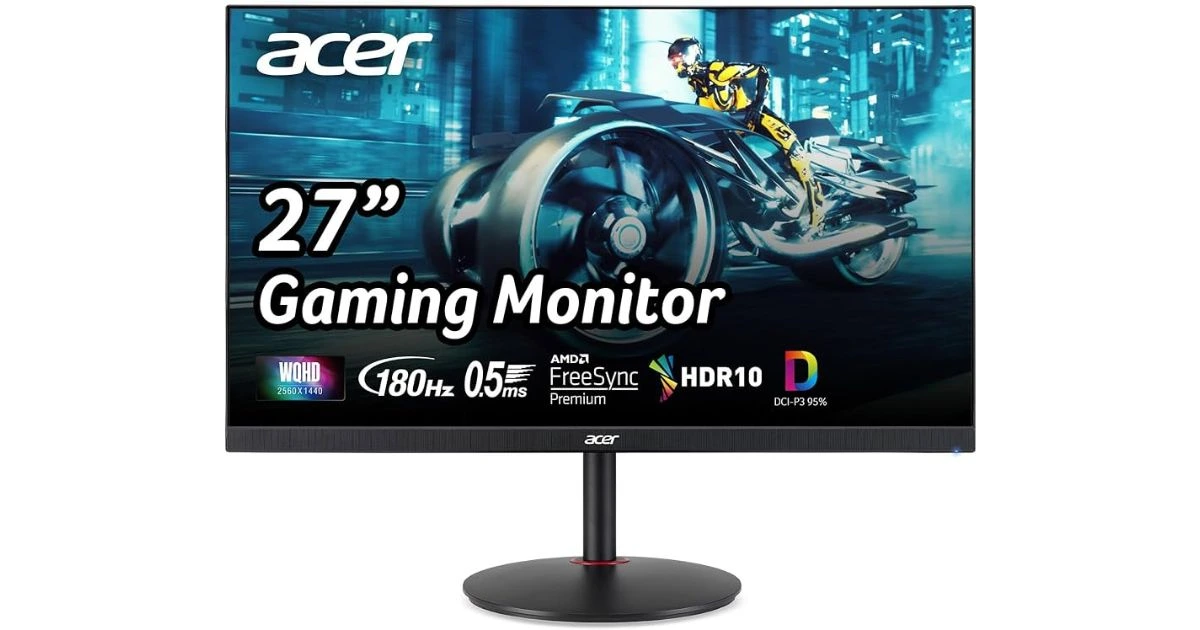
The Acer Nitro 27-inch WQHD is the sweet spot for gamers who want a high-end experience without the 4K price tag. Featuring a crisp 1440p (2K) resolution, this IPS monitor delivers vibrant colors and wide viewing angles that make every game world pop. It is a favorite among Xbox and PC players alike, offering a fast 180Hz refresh rate (up to 300Hz on newer F3 models) for incredibly smooth motion. With its professional-grade color accuracy (95% DCI-P3), it’s not just for gaming—it’s a reliable tool for creators and designers too.
Pros:
- Balanced 1440p resolution for clear details.
- Smooth 300Hz refresh rate with 1ms response.
- Vibrant IPS colors with 95% DCI-P3 accuracy.
- AMD FreeSync Premium for tear-free gaming.
- High-end performance at an affordable price.
Cons:
- Basic HDR brightness (around 250–350 nits).
- Simple stand design compared to premium models.
Why should you buy this monitor?
- You want the best balance of speed and clarity.
- You play Xbox games at 1440p and 120Hz.
- You need a screen for both gaming and creative work.
- You want a smooth, flicker-free experience.
- You are looking for a top-tier monitor on a budget.
Summary: Acer has built a fantastic all-rounder here. It offers premium features like a high refresh rate and beautiful IPS colors at a much more accessible price point than OLED or 4K models.
10. Samsung Odyssey G7 (G70F)
This is not without good reason that the Samsung Odyssey G7 G70F is a favorite among fans. This 27-inch 4K display features a “Fast IPS” panel with excellent viewing angles and color performance at a high 180Hz refresh rate. Specifically crafted for consoles, it also features its own CoreSync lighting system that synchronizes with on-screen events. The 4K 144Hz/180Hz capability ensures your Xbox Series X will run at the highest possible settings.
Pros:
- Fast IPS panel with great colors and speed.
- Fully compatible with Xbox 4K 120Hz.
- CoreSync lighting adds to the ambiance.
- Very low input lag and great motion handling.
- Trusted Samsung Odyssey build quality.
Cons:
- Black levels aren’t as deep as OLED or Mini-LED.
- HDR is basic compared to high-end models.
Why should you buy this monitor?
- You want a reliable, high-performance 4K IPS monitor.
- You like RGB lighting that syncs with your games.
- You want a monitor that is widely supported and reviewed.
- You prioritize color accuracy and viewing angles.
- You want a hassle-free “plug and play” Xbox experience.
Summary: The Odyssey G7 is a tried-and-true winner. It’s a safe, high-performance bet for any Xbox gamer looking to move into 4K.
Final Verdict
Choosing the best gaming monitor for Xbox depends on your priorities—speed, resolution, or budget. The ASUS ROG Swift OLED PG32UCDM is unrivaled in visual technology. To maximize value, the AOC Q27G3XMN offers an astonishing Mini-LED display and is not as expensive as pricier models.
After all, any of the monitors on this list will be a much-needed improvement over a basic display. Note to check your desk setups and light settings prior to purchasing, though there is no need to worry because these 10 are the absolute best that 2026 has to offer to the Xbox ecosystem. Happy gaming!
Choosing the best gaming monitor for Xbox depends on your priorities—speed, resolution, or budget. In this post we have explored many good monitor suitable for