
The most common question that comes up while purchasing a gaming monitor is: What is the best refresh rate for gaming monitor? It is common to find names such as 60Hz, 144Hz, 165Hz, or 240Hz in specifications, and they can be confusing. Both numbers are guaranteed to play more smoothly, there will be enhancements in the gameplay and in the experience, which one really matters to you? There is a myriad of options and therefore it is completely natural to be confused on what these numbers are and what impact they have on your gaming.
The good news is that knowledge of refresh rate is not as complex as it sounds. In this comprehensive guide, we shall unravel everything in simple, easy-to-understand language so that anyone can comprehend it, even if you are new to gaming monitors. We will elaborate the definition of the refresh rate, the importance of the refresh rate, and how the refresh rate can be selected depending on the nature of the games played and the budget. At the end of this article, you will understand which refresh rate suits your gaming type best and how to make a good purchasing decision.
What Is Refresh Rate?
Refresh rate means how many times your monitor updates the image every second. It is measured in Hertz (Hz).
For example:
- 60Hz = Screen refreshes 60 times per second
- 144Hz = Screen refreshes 144 times per second
- 240Hz = Screen refreshes 240 times per second
The higher the number, the smoother the motion looks.
Think of it like flipping pages in a book. The faster you flip, the smoother the movement looks.
Why Refresh Rate Matters in Gaming
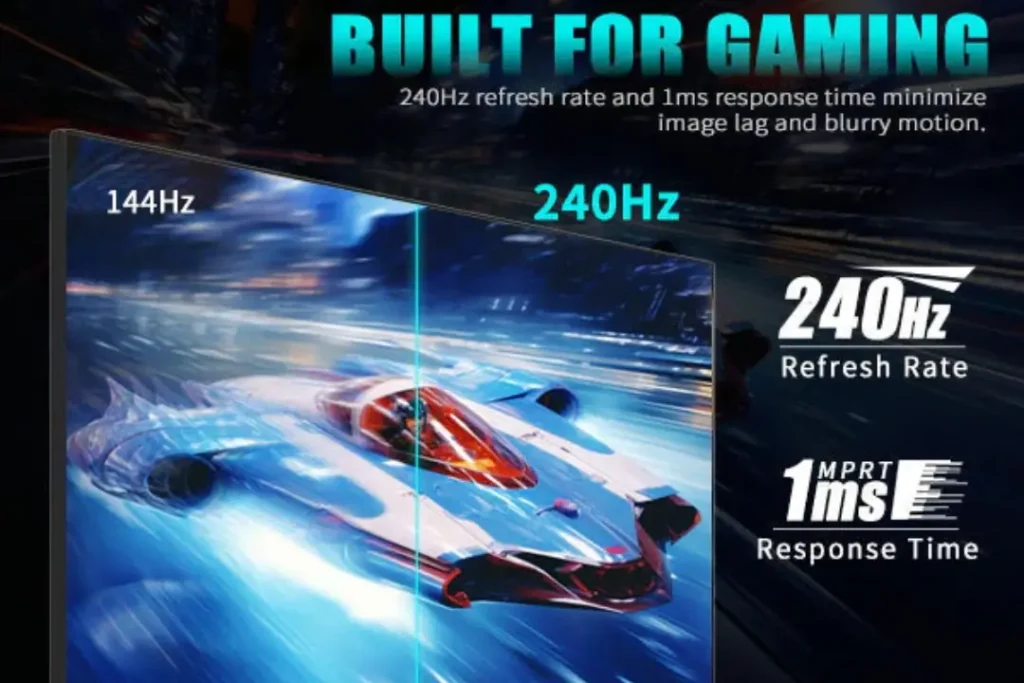
Refresh rate is a highly valuable feature that significantly impacts gaming.
- Input response time
- Motion blur
- Overall gaming experience
When you play fast games such as shooting or racing games then higher refresh rate provides you with:
- Smoother movement
- Faster reaction time
- Competitive advantage
However, when you are largely playing slow story-based games, you might not need very high refresh rates.
60Hz or 75Hz: Is it good enough to play games?
60Hz Monitor
Most monitors use the 60Hz refresh rate. It shows 60 frames per second and is quite acceptable for everyday use. The following is a brief and extended explanation:
Perfect for Office Work
Activities such as MS Word, Excel, PowerPoint, web browsing, email and web-based meetings are comfortable on a 60Hz display.
Good for Watching Videos
The vast majority of YouTube movies and videos are filmed at 24-60 FPS. A 60Hz monitor is therefore able to show them quite well.
Suitable for Casual Gaming
If you do not play competitively and just have fun playing games, 60Hz is sufficient.
Good at story-based and Strategy Games.
Other games, such as Minecraft, GTA V (Story Mode), simulation games or strategy-based games do not need exceptionally high refresh rates. 60Hz is good on them.
Cheap and Low System Requirement.
You do not require a high-end graphics card in order to play games at 60 FPS. Non-pro graphical cards can easily do it.
Not a Fast-Paced FPS Game.
In fast-paced competitive games like Call of Duty or Valorant, 60Hz feels slower. Reaction time is affected by movements that are not as smooth as 144Hz or more.
Basic & Standard Experience
60 Hz provides you with a normal, stable picture. It is not very smooth, but good to use on a daily basis.
75Hz Monitor
It is a 75Hz display that is just a little smoother than a 60Hz display. The disparity is not so vast, yet it can be felt in everyday use and recreational gaming. There are half a dozen plain and straightforward points:
Smoother than 60Hz
On a 75Hz monitor, there are 75 frames per second and on a 60Hz monitor, there are 60 frames. This brings about a little easier look to scrolling, animation and movement.
Budget-Friendly Option
It is more affordable than 144Hz and above refresh rate monitors, so it is a good option among those who cannot spend much.
Good for Light Gaming
Semi-casual games such as FIFA, GTA V, Valorant (non-competitive) and others will run comfortably at 75Hz.
Great for Office & Study Use
Online classes, browsing, MS Office, YouTube and other general tasks will be more than enough with 75Hz.
No High-End GPU Needed
The graphics card does not need to be high-end to achieve 75 FPS; hence, it can operate on mid-range or entry-level PCs.
Not Ideal for Serious Gamers
Rapid games and competition, 144Hz or more will be a better option.
144Hz – The Sweet Spot for Most Gamers
A refresh rate of 144Hz is considered the most desirable by most people in a gaming monitor.
Why 144Hz Is So Popular:
One of the most popular monitors among gamers is the 144Hz model, and this is why. It has the ideal performance, smoothness and price combination.
Huge Improvement Over 60Hz
It is a huge leap to go to 144Hz. The screen has a 60Hz refresh rate, meaning it shows 60 frames per second. It has an even higher frequency (144Hz), 144 times per second, which is more than twice as many. This renders movements to appear far clearer and smoother. After trying 144Hz, it is much slower at 60Hz.
Very Smooth Gameplay
144Hz provides smooth motion, e.g., in rapidly moving shots. There is greater responsiveness and realism in the camera turns, character movement, aiming, and tracking of enemies.This smoothness not only concerns appearance but also enhances control and precision.
Affordable in 2026
By the year 2026, 144Hz monitors will not be costly. They are very common and highly valuable. Now you can acquire a monitor at 144Hz at a price that was once assigned to basic 60Hz displays. That is why it has been the sweet spot of gamers.
Ideal FPS and Competitive Games.
The 144Hz is indeed impressive in competitive games with fast-paced action. In such games, response time is important. The more fluid the screen the quicker you can react. It minimizes motion blur and makes it easier to track enemy movement.
Games where 144Hz shines:
- Valorant
- CS2
- Fortnite
- Apex Legends
- Call of Duty
Assuming your computer can generate 144 frames per second (FPS), a 144Hz monitor will display all those frames without stutter. This is the optimal trade value for most gamers.
165Hz – Slight Upgrade Over 144Hz
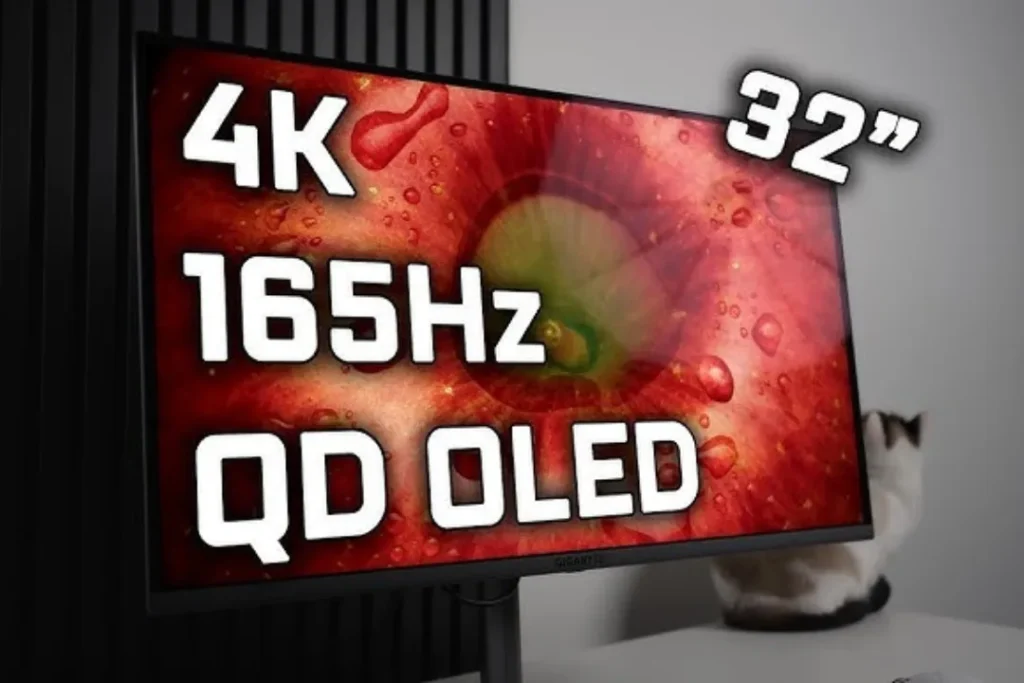
165Hz = 165 Frames Per Second
A 165Hz display completes 165 refreshes per second. It is also a little bit faster than 144Hz, but the difference is not big.
Slightly Smoother Motion
There is slightly more responsive gameplay. But to the vast majority of users, there will be no significant difference between 144Hz and 144Hz.
Minor Performance Boost
Provided your PC can achieve 165 FPS, the monitor will show all the frames without problems. The change is not dramatic but moderate.
Very Similar to 144Hz in Real Use
In ordinary gaming, the difference that occurs between 144Hz and 165Hz is almost negligible.
Good Value When Price Is Equivalent.
If both monitors are nearly equal in price, it would be reasonable to select 165Hz. However, it is not necessary to pay much extra.
No Need to Upgrade from 144Hz
The performance gap is not large enough to warrant the upgrade of 144Hz.
Good with Competitive FPS Games.
Plays all types of fast-paced games, such as Valorant, Counter-Strike 2, and Apex Legends, well. It is much more manoeuvrable and a little more responsive.
240Hz – For Competitive & Esports Players
The 240Hz is aimed at serious competition players.
Benefits:
- Extremely smooth motion
- Very low motion blur
- Enhanced tracking of high FPS games.
Professional esports players prefer fast 240Hz or even 360Hz monitors to improve their performance during an exciting match.
But remember:
- Your PC must produce 240 FPS
- You need a powerful GPU
- It costs more
In case you are a casual gamer, 240Hz is not essential.
360Hz – Is It Worth It?
The ultra-high refresh rate is 360Hz.
- Only recommended for:
- Players of professional athletes of esports.
- Professional FPS competitions.
- High-end gaming PCs
To ordinary gamers, the difference between 240Hz and 360Hz is extremely minimal. It is too costly and unnecessary for most users.
Best Refresh Rate for Gaming Monitor Based on Game Type
Here’s a simple guide:
Casual Gaming
- 60Hz – 75Hz will be fine for these gamers
- 100Hz is better if the budget allows
FPS & Battle Royale Games
- Minimum: 144Hz
- Ideal: 165Hz
- Competitive: 240Hz
Racing & Sports Games
- 144Hz is perfect
Strategy & Simulation Games
- 60Hz or 75Hz is enough
Does Higher Refresh Rate Improve FPS?
• Refresh rate does not increase FPS
FPS is controlled by your graphics card (GPU), while refresh rate only determines how many frames your monitor can display per second.
• GPU generates FPS, monitor displays it:
Even if your GPU can produce 200 FPS, you will not see more than your monitor’s refresh rate allows.
• 60Hz monitor shows only 60 frames
If your monitor is 60Hz, it can display up to 60 frames per second, regardless of the FPS.
• High FPS needs a high refresh rate monitor
To fully experience smooth, fluid gameplay at high FPS, you need a monitor with a higher refresh rate to display more frames.
What About Resolution and Refresh Rate?
To have a smooth gaming experience, you need unity between your graphics card, resolution and refresh rate. The sharpness of the image is determined by the Resolution (1080p, 1440p or 4K), whereas the smoothness of movement is determined by the refresh rate (Hz). These two are also dependent on the power of your GPU.
Your 1080p + 144Hz can run on a mid-range PC, your 1440p + 144Hz will require a stronger graphics card than your 4K + 144Hz will require a high-end graphics card. When your system is not powerful enough, high-resolution and high-refresh-rate settings may limit performance, leading to low FPS or lag. That is why you would always want to select monitor settings that match your PC’s power. The perfect gaming experience is when everything is balanced.
You must balance:
- Resolution (1080p, 1440p, 4K)
- Refresh Rate (Hz)
- GPU Power
For example:
- 1080p + 144Hz: Easy for mid-range PC
- 1440p + 144Hz: Needs strong GPU
- 4K + 144Hz: High-end GPU required
If your PC is not powerful, a high refresh rate at high resolution may not work properly.
Adaptive Sync (Very Important)
Look for monitors with:
- AMD FreeSync
- NVIDIA G-Sync
These technologies reduce:
- Screen tearing while gaming
- Reduce Stuttering and provide smooth gameplay
- Lag-free performance
They make the high refresh rate even smoother.
Is a higher refresh rate good for the eyes?
A higher refresh rate can:
- It can reduce eye strain
- Ensure scrolling smoother
- Feel more comfortable
Even outside gaming, 144Hz feels smoother for daily use.
Budget Recommendation (2026)
Monitor buying guide based on the budget:
- It’s for budget gamers – 100Hz or 144Hz
- Mid-Range gamers’ best choice– 144Hz or 165Hz
- Competitive gamers perfect speed– 240Hz
- Esports professionals take the high speed –240Hz or 360Hz
So, What Is the Best Refresh Rate for a gaming monitor?
The simple answer:
144Hz is the best refresh rate for most gamers.
It gives:
- Smooth gameplay
- Get in a affordable price
- Competitive advantage for gameplay
- Long-term value providing while gaming
If you are serious about competitive FPS gaming, then you can go for 240Hz.
If you are a casual gamer, you can take 75Hz–100Hz which is enough for you.
Final Thoughts
The best refresh rate for a gaming monitor depends on several factors. The important thing is that you put into account the way you play, the amount of money which you have at your disposal, the performance of your PC, and the types of games which you are playing. The refresh rate need not be as high as that of a professional FPS player. 144Hz will be the magic number for most gamers globally by 2026, as it offers the best mix of high performance, cost, and long-term value.
It is always important to consider the kind of games you play, the type of gaming performance you have, and the kind of money you can afford to spend before making your final decision. A high-refresh-rate monitor is the best to use when your system is up to it. Once you monitor is customized to your needs and hardware, then you will enjoy a less stressful and more satisfying gaming experience. Now you are able to see how to be sure about the correct refresh rate.
Related post: 7 High Refresh Rate Gaming Monitor
Pingback: Best Gaming Monitor Settings to Boost FPS Colors and Clarity in 2026