
Are you looking for the best monitor for gaming and work that is easy to use in 2026? You can easily choose the best monitor for personal or office work. If you want to get a monitor for gaming, you can choose the high refresh rate monitor with an IPS or OLED display which will give you better gameplay to provide a great color combination with smooth, tear free visual.
You need smooth performance, clarity, and accurate colors for your gameplay or office work. While choosing the best monitor for your gameplay and work, follow our full guide to help you pick the best gaming monitor for both. In the post, we have picked the top suitable monitor for both gaming and work and you will get a good idea from this post clearly. Read the post to the end to explore the best gaming and work monitors.
What Things Do You Have to Keep in Mind While Choosing the Best Monitor for Gaming and Work
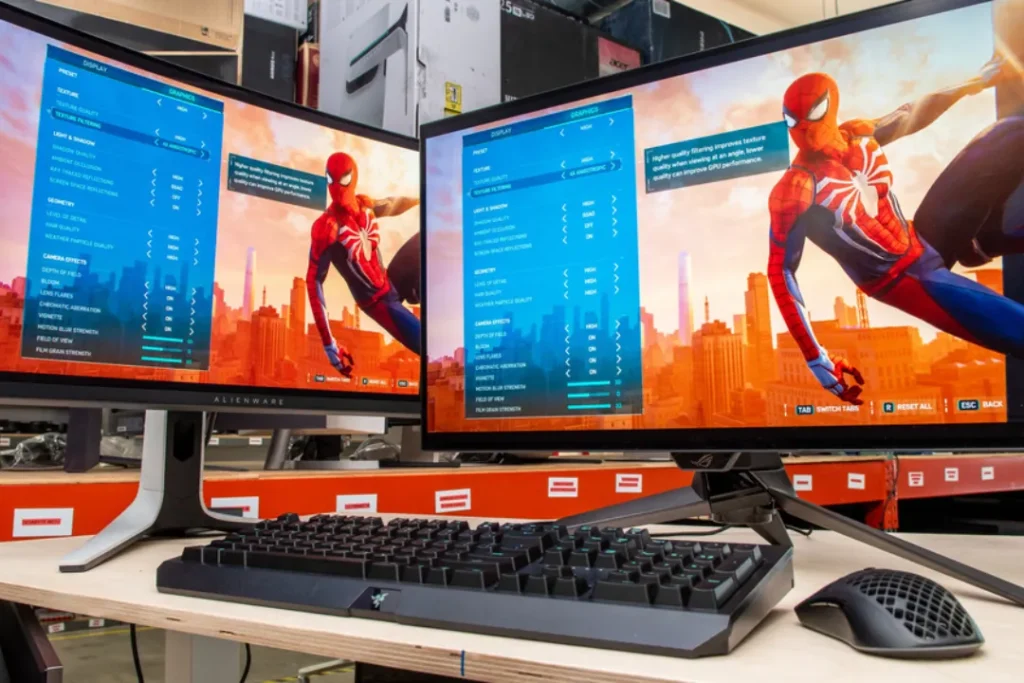
An ideal dual-purpose monitor should be usable for gaming and work without interference. It must provide easy movement to play the games fast as well as make it have crisp images and correct colors to be productive. When selecting the most appropriate gaming monitor, which is also able to work with your daily chores, consider the following key issues:
Important Features to consider:
- High Resolution: QHD, 4K, or 5K for sharp, detailed images.
- High Refresh rate 144Hz or more to play games with ease.
- Quality Panel Type: IPS, OLED, or Mini-LED for better color accuracy.
- Adaptive Sync Support: Minimizes screen tearing when playing games.
- Eye-Care Technology: long-time display of low blue light and flicker-free.
- Ergonomic Stand: Height, tilt and swivel to be comfortable.
Now we will dive into the details of each monitor and check its performance.
1. ASUS ProArt PA27JCV 27-inch 5K Professional Monitor
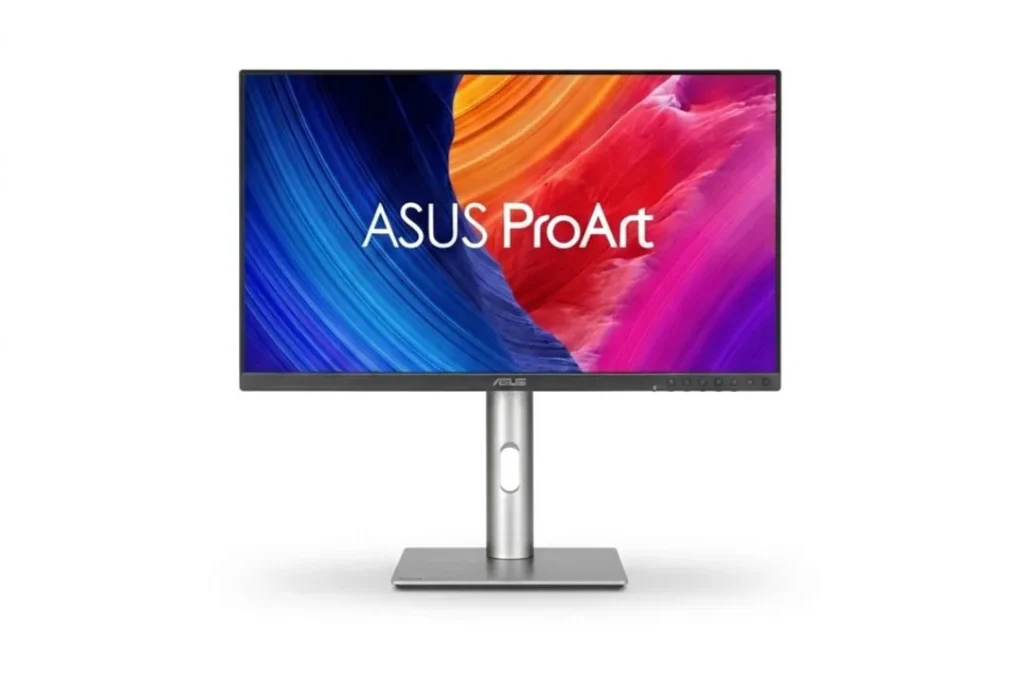
The ASUS ProArt PA27JCV monitor is primarily aimed at users who are creators and professionals with a high level of visual accuracy. Everything is amazingly sharp with its 5K resolution, the text documents as well as the in-depth video editing timelines. Colors are natural and true-to-life, and this is ideal to photo makers, designers and content producers. Even though it does not have a competitive-oriented gaming, it still plays well in the casual mode due to its IPS display. The wide color range is a guarantee of true-to-life images, and USB-C and Thunderbolt connections make it possible to use it in contemporary workstations which is one of the the best Monitor for Gaming and Work.. The height adjustable position provides a comfortable working experience during working hours.
| Panel Type | IPS |
| Display Size | 27-inch |
| Resolution | 5K (5120 x 2880) |
| Refresh Rate | 60Hz |
| Response Time | 5 ms |
| Adaptive Sync | Supports Adaptive-Sync/VRR and VESA MediaSync) |
| Brightness | 500nits |
Key Features:
- 27-inch 5K (5120×2880) resolution
- Factory color-calibrated display
- IPS panel technology
- Thunderbolt / USB-C support
- Wide color gamut coverage
- Ergonomic adjustable stand
Why You Choose This Monitor
- Exceptional clarity for professional tasks
- Accurate colors for editing work
- Perfect for multitasking
- Premium build quality
- Comfortable for long office hours
Advantages
- Extremely sharp display
- Excellent color performance
- Strong connectivity options
- Professional design
- Reliable brand reputation
Disadvantages
- Not ideal for high-speed competitive gaming
- Premium pricing
The monitor is an excellent option for professionals who require the highest-quality visual display and accurate color results. It is also less concerned with gaming, yet it also deals with casual gaming. If the quality of the work, rather than the refresh rate, is of interest to you, this is a good investment.
2. ROG Swift OLED PG27UCDM 27-inch 4K OLED Gaming Monitor
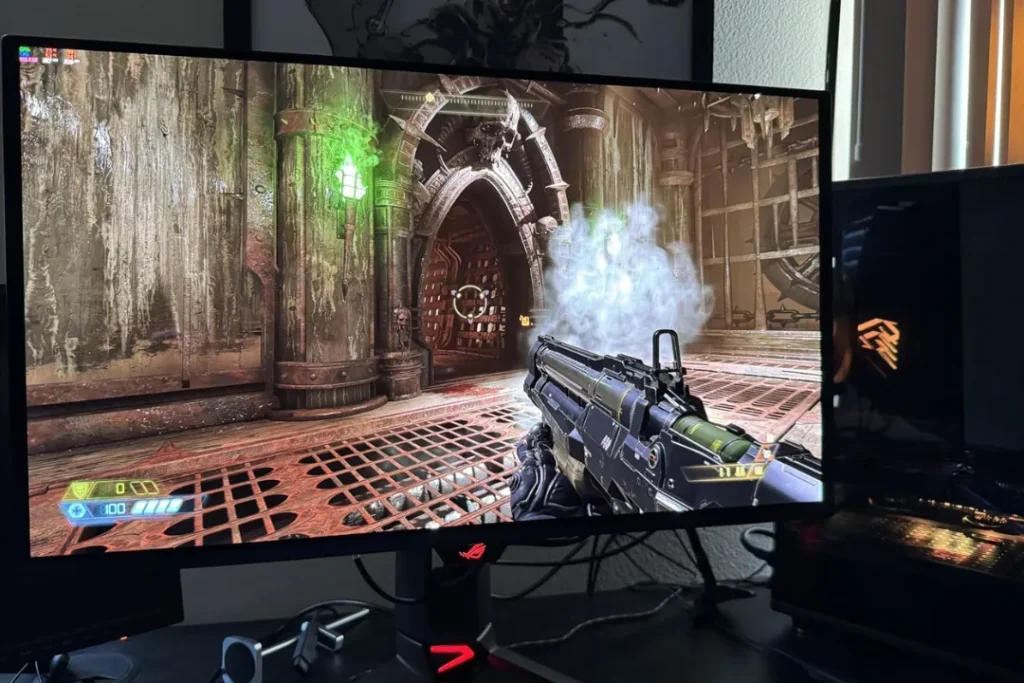
The ROG Swift OLED PG27UCDM is an effective monitor equipped in serious gamers, who also require high-quality visual images in the work sphere. The OLED screen gives great blacks, saturated colors and beautiful contrast . Games are very immersive and videos are cinematic. Competitive gaming is smooth and responsive with a high refresh rate and very high response time. Simultaneously, 4K resolution will provide crystal-clear text and images for productivity. This monitor is the best for work and gaming in performance, whether you are gaming, editing or streaming any content.
| Panel Type | QD-OLED |
| Display Size | 27-inch |
| Resolution | 4K UHD 2160p |
| Refresh Rate | 240Hz |
| Response Time | 0.03ms |
| Adaptive Sync | G-SYNC Compatible |
| Brightness | 250-400nits |
Key Features:
- 27-inch 4K UHD resolution
- OLED panel technology
- Ultra-fast refresh rate
- Near-instant response time
- Adaptive Sync support
- Premium gaming design
Why You Choose This Monitor
- Outstanding visual quality
- Perfect for competitive gaming
- Deep contrast and rich colors
- Smooth performance
- Great balance of work and play
Advantages
- True OLED contrast
- Ultra-fast response
- Sharp 4K clarity
- Strong HDR performance
- Premium build quality
Disadvantages
- Expensive
- Risk of burn-in with static content
In case you need a combination of high end gaming and professional clarity without compromising one another, then this has been one of the best options. It is an ideal combination of speed and beauty. Perfect in case of gamers who also work on tasks requiring extensive visual skills.
3. SAMSUNG 32-inch Odyssey G50D Series QHD Fast IPS
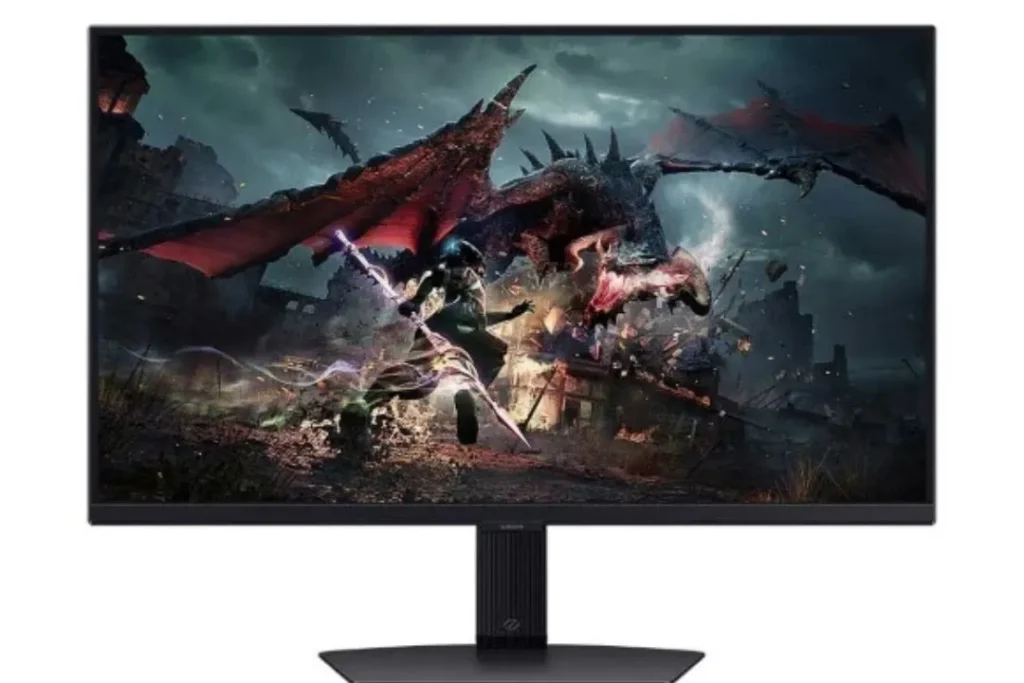
The Samsung Odyssey G50D 32-inch monitor has a bigger screen size, which makes the monitor more engaging both in gaming and working. The QHD resolution maintains sharpness of visuals besides being more performing than 4K in mid-range systems which the best monitor for gaming and work. The Fast IPS panel guarantees the fluid movement and vivid colors. It is comfortable to use in the office, browsing, content consumption, and longer hours of playing. The higher resolution of 32 inches is great even in terms of screen space, which is perfect in multitasking and productivity.
| Panel Type | IPS |
| Display Size | 32-Inch |
| Resolution | QHD Wide 1440p |
| Refresh Rate | 180Hz |
| Response Time | 1ms |
| Adaptive Sync | G-Sync Compatible |
| Brightness | 350 nits |
Key Features:
- 32-inch QHD (2560×1440)
- Fast IPS technology
- High refresh rate
- Wide viewing angles
- Modern slim design
Why You Choose This Monitor
- Larger immersive display
- Smooth gaming experience
- Good color consistency
- Comfortable for productivity
- Trusted brand quality
Advantages
- Big screen size
- Balanced gaming performance
- Good brightness
- Strong build quality
- Reliable IPS panel
Disadvantages
- Not 4K resolution
- HDR is basic
This is an excellent compromise between work and fun in a monitor. The fact that it is larger enhances immersion and multitasking. It is a powerful option to those users who desire to have entertainment and productivity in a single display.
4. AOC Q27G3XMN QHD 180Hz FreeSync HDR Mini LED 27″ Monitor
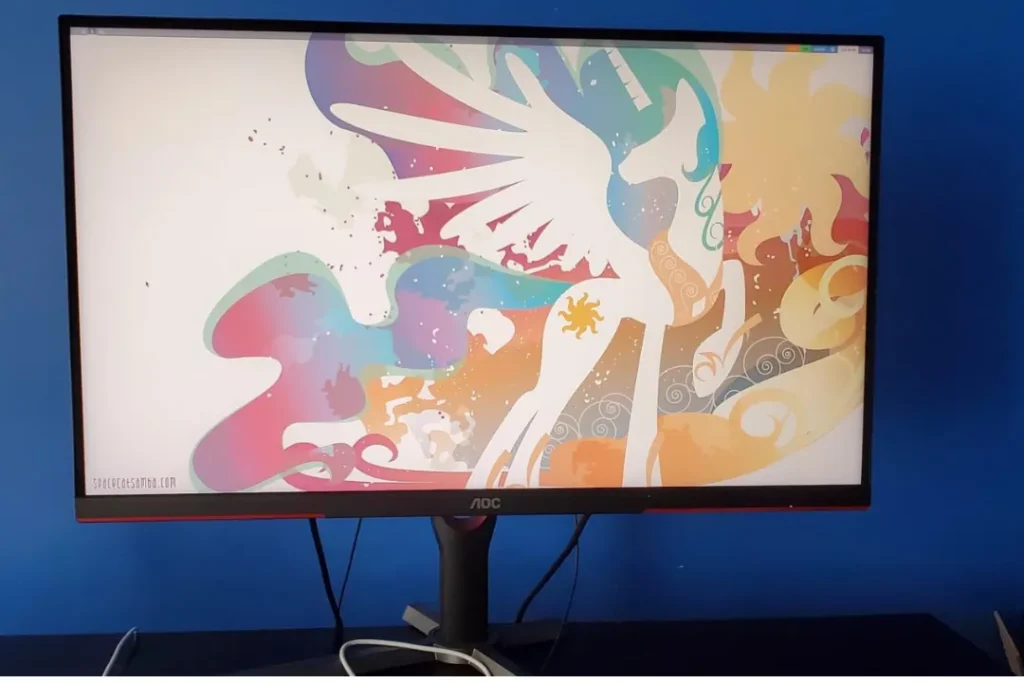
AOC Q27G3XMN is unique due to the Mini-LED with an 180Hz refresh rate. It provides good contrast, high brightness and smooth gaming performance than the usual LED monitors. The QHD resolution delivers clear detail without straining your graphics card too much. It is effective in office work and consumption of content and gaming. FreeSync support is tear-free gameplay and is perfect for fast-paced action games.
| Panel Type | VA |
| Display Size | 27-Inch |
| Resolution | (2560 x 1440) resolution |
| Refresh Rate | 180Hz |
| Response Time | 1ms |
| Adaptive Sync | Yes |
| Brightness | 1000nits |
Key Features:
- 27-inch QHD resolution
- 180Hz refresh rate
- Mini-LED backlight
- AMD FreeSync support
- HDR compatibility
Why You Choose This Monitor
- High refresh rate
- Strong brightness levels
- Great value for money
- Balanced performance
- Good contrast control
Advantages
- Smooth gameplay
- Better HDR than standard IPS
- Bright display
- Solid design
- Affordable compared to OLED
Disadvantages
- Slight blooming in HDR
- Not true OLED black levels
This monitor is a very good one in cases when a gamer seeks to acquire speed and better contrast without spending a lot. It copes with the working job effectively and provides excellent results in playing games. Good mid-range all-purpose.
5. Acer Nitro 27″ QHD IPS Gaming Monitor
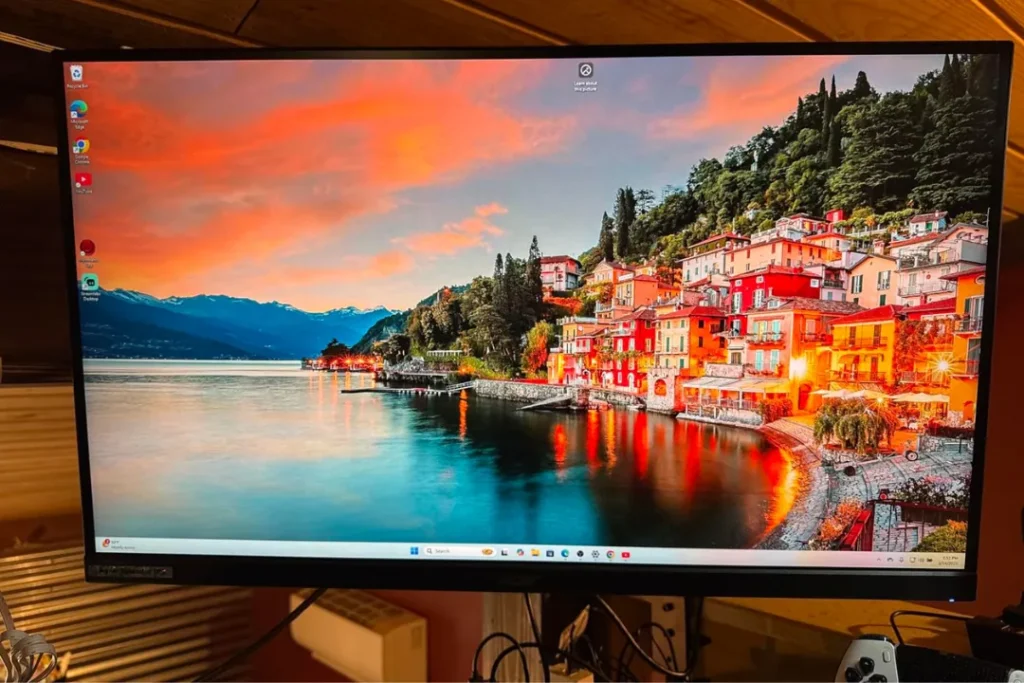
Acer Nitro 27-inch QHD monitor is a reliable product to be used by individuals who would prefer to spend well without wasting the money. The color display and the viewing angles of the IPS panel are regular, which is why it is applicable both in the gaming and in work life. It offers a fluid movement to the majority of modern games, and sharp display to navigate, edit documents and watch videos. It is a plain yet straightforward design that is easy to fit into a house or office environment. This is best monitor for gaming and work.
| Panel Type | IPS |
| Display Size | 27-inch |
| Resolution | (2560 x 1440) pixels |
| Refresh Rate | 180Hz |
| Response Time | 0.5ms |
| Adaptive Sync | AMD FreeSync |
| Brightness | 250nits |
Key Features:
- 27-inch QHD display
- IPS panel
- High refresh rate
- Adaptive Sync support
- Slim design
Why You Choose This Monitor
- Budget-friendly
- Good balance of speed and clarity
- Reliable performance
- Easy setup
- Ideal for mixed usage
Advantages
- Affordable price
- Sharp 1440p resolution
- Smooth refresh rate
- Lightweight design
- Good viewing angles
Disadvantages
- Basic HDR support
- Average built-in speakers
This is an ideal monitor that one can use and still achieve high performance without spending high prices. It is able to support daily productivity and gaming without problems. An effective alternative to students and domestic consumers.
6. Dell 27 Plus 4K Monitor – S2725QS
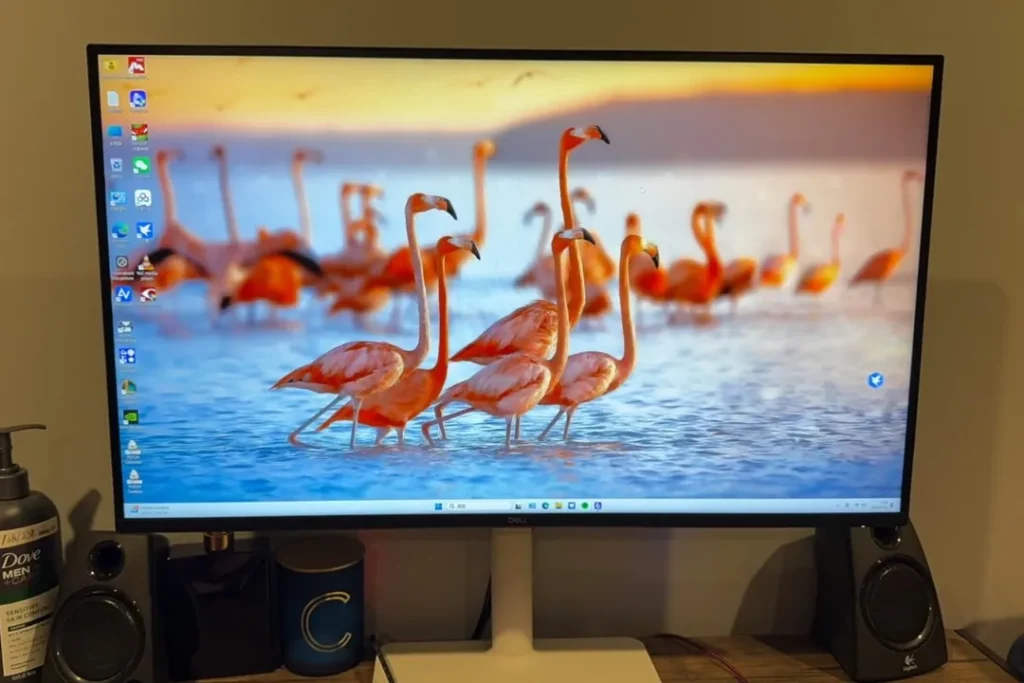
The Dell S2725QS 4K Monitor pays more attention to the productivity and the visual clarity. The 4K resolution renders the text incredibly clear, and it suits well at the workplace, reading, and spreading worksheets, as well as any creativity. Although it is not made to compete with other games, it still accepts casual games well. The layout is professional and clean and fits well in the modern workspaces. The eye comfort features of Dell will help you feel better when spending long hours at work.
| Panel Type | IPS |
| Display Size | 27-inch |
| Resolution | 4K (3840 x 2160) |
| Refresh Rate | 120Hz |
| Response Time | 0.03ms |
| Adaptive Sync | AMD FreeSync Premium |
| Brightness | 250nits |
Key Features:
- 27-inch 4K UHD resolution
- IPS panel
- Slim bezels
- Eye comfort technology
- HDMI and DisplayPort
Why You Choose This Monitor
- Excellent text clarity
- Professional appearance
- Good multitasking
- Reliable performance
- Comfortable viewing
Advantages
- Crisp 4K resolution
- Clean design
- Good color consistency
- Ideal for office work
- Energy efficient
Disadvantages
- Lower refresh rate
- Not ideal for competitive gaming
The monitor will be an ideal choice to professionals who value clarity and productivity. It is efficient on the informal level, but it functions best in the work and creative setting. In case the first choice is work and the second is gaming, this is a good choice.
7. Titan P2712V 27″ 4K Gaming Monitor

The Titan P2712V 27-inch 4K monitor is an affordable option for people who need the ability to get 4K resolution at a lower cost. It offers crisp image displays to perform daily activities such as browsing, streaming and light editing. It does not give the best gaming functionalities but it still enables general gaming without any trouble. It is appropriate for home users who want an easy-to-use, affordable 4K monitor with multifunctional capabilities.
| Panel Type | IPS |
| Display Size | 27-Inch |
| Resolution | (3840 x 2160) pixels |
| Refresh Rate | 160Hz/320Hz |
| Response Time | 1ms |
| Adaptive Sync | Yes |
| Brightness | 400nits |
Key Features:
- 27-inch 4K resolution
- LED panel
- Standard refresh rate
- Slim design
- Basic gaming support
Why You Choose This Monitor
- Affordable 4K option
- Clear screen quality
- Suitable for mixed usage
- Simple setup
- Good for casual gaming
Advantages
- Budget 4K display
- Decent brightness
- Easy to install
- Lightweight
- Good for office work
Disadvantages
- Limited advanced gaming features
- Average build quality
This is a 4K monitor that can be bought by users who would like to spend less, but at the same time, they need the monitor to be of high quality. It is not made to play games on the high-end level, though it copes with everyday assignments. An effective and user-friendly home display.
Summary: Which is the Best Monitor for Gaming and Work?
The decision to select the most appropriate monitor for gaming and work indeed differs depending on daily activity and purchase cost. The ROG Swift OLED is a formidable gaming monitor designed for those who want the highest level of gaming. The ASUS ProArt 5K provides excellent clarification and color correction for professional editing and creative work. If you want a combination of gaming and office, the Samsung Odyssey or the AOC Mini-LED is highly suitable. The Dell 4K is great to be depended on by the productivity-conscious customer and Acer Nitro or Titan can be a good choice for a budget-conscious buyer.
Also consider your computer’s performance, the size of your desktop, and the amount of time you spend watching your game pad rather than working before finalizing your decision. A monitor is a product that you use on a daily basis and as such, you should choose wisely. The right screen will not only enhance your productivity but also enhance your entertainment experience in the years ahead.
The Best Monitor for Gaming and Work 2026: Get the top 7 Powerful Monitors You Can Trust which will give you smooth performance while gaming and work to deliver clear visual
Related Post: Best 4K Gaming Monitor for PS5 – Premium Picks for Smooth Performance and Stunning Visuals in 2026
Pingback: The Best Value Gaming Monitor in 2026: Top Budget Picks
Pingback: Best Gaming Monitor Settings to Boost FPS Colors and Clarity in 2026