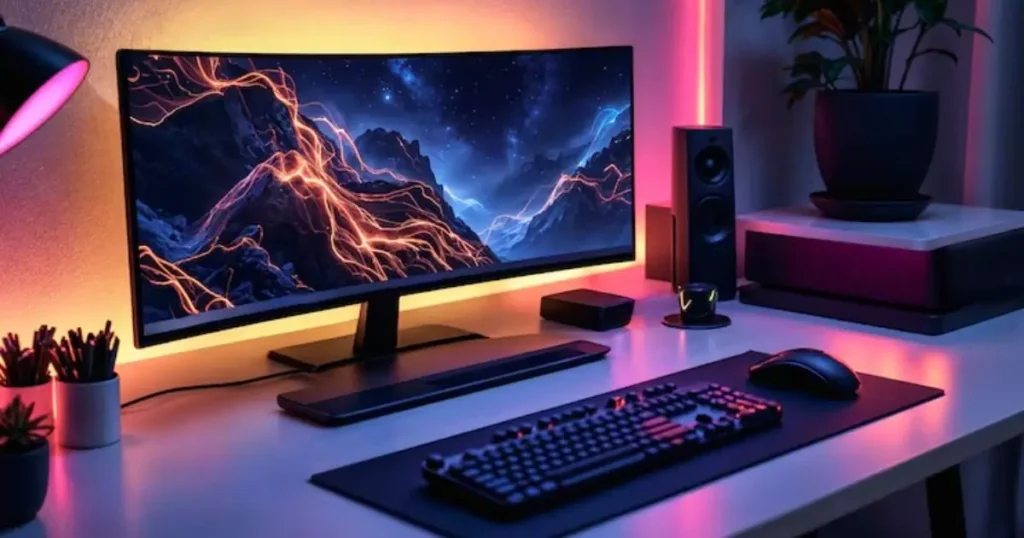
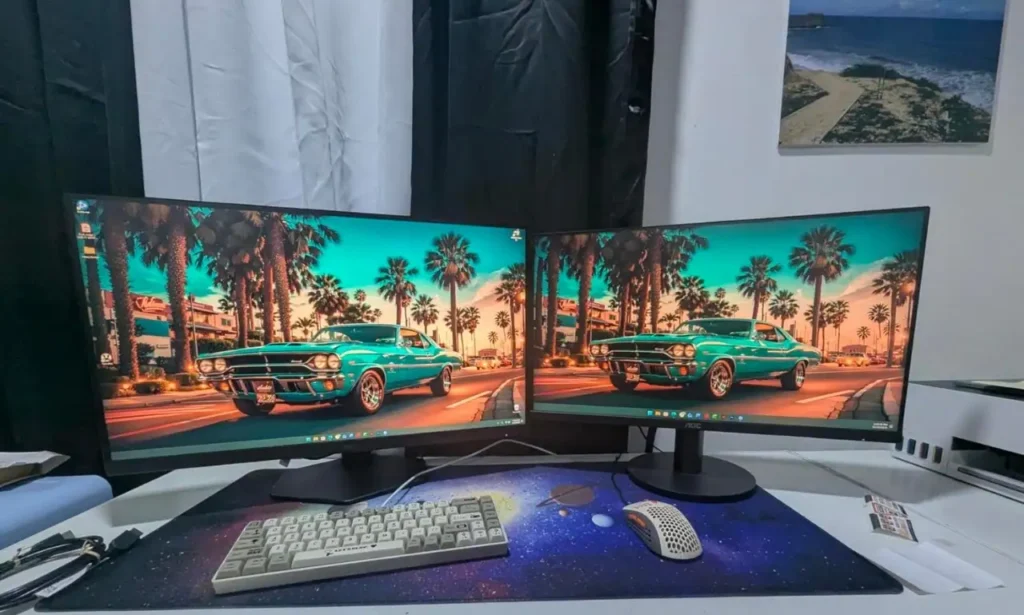
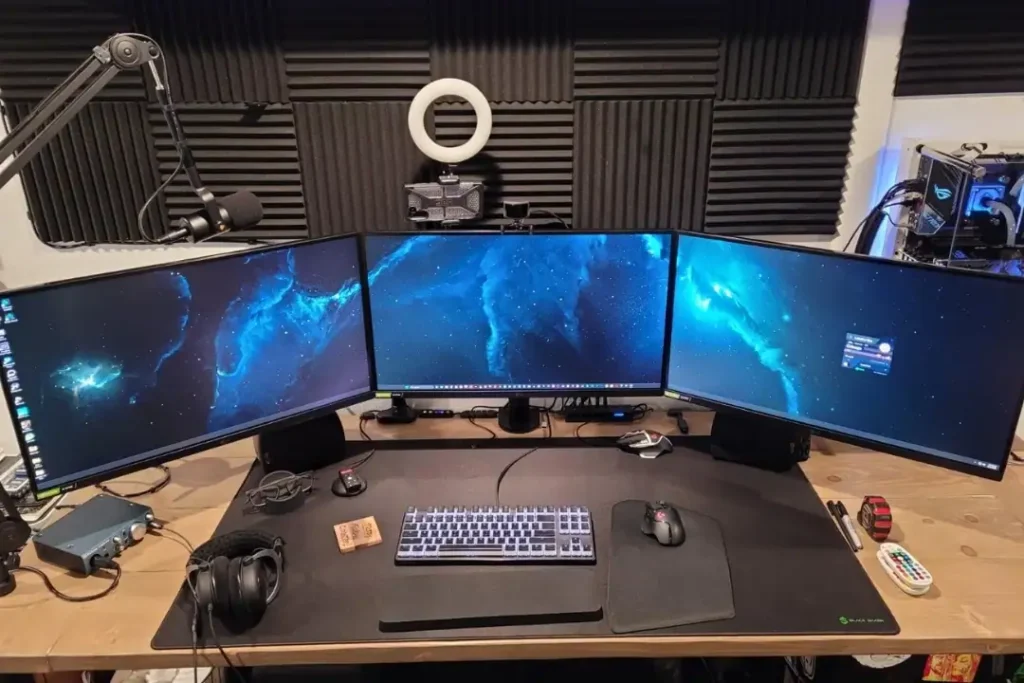
If you want to setup dual monitor gaming setup, it is an amazing thing and a better decision for improve gaming performance. If you set up a dual monitor for gaming, you will get the large screen that will show you the clear visuals and help you to understand gaming much better. 2 monitor gaming setup will enhance your both game play and comfort. One screen becomes your main battlefield for ultra-smooth gaming, while the second monitor handles everything else like Discord, YouTube, OBS streaming controls, Spotify, web browsing, or walkthroughs—without interrupting your match.
In this article, we’ve picked 7 of the best monitors that are perfect for a dual-screen setup, focusing on the things that matter most while gaming, like 1440p sharpness, high refresh rates (165Hz to 240Hz), fast response time, strong color quality, and adaptive sync support for tear-free performance. Whether you want the best value monitor, a competitive esports display, or a premium screen with stunning contrast, these options will help you build a clean and powerful dual monitor gaming station.
1) LG 27GP850-B
The LG 27GP850-B is a strong 27-inch 1440p (QHD) Nano IPS gaming monitor that fits perfectly in a dual monitor gaming setup. It delivers a super smooth 165Hz refresh rate and can be overclocked up to 180Hz, which feels extremely fast in competitive games like Valorant, CS2, Apex Legends, and Warzone. The IPS panel gives you crisp colours, wide viewing angles, and sharp clarity, so it also works great for YouTube, streaming, editing, and daily multitasking. It supports NVIDIA G-Sync Compatible and AMD FreeSync Premium, helping remove screen tearing and stuttering. On top of that, it offers a clean gaming design, solid stand adjustment, and strong overall performance for the price.
Pros:
- Sharp 1440p resolution with great clarity
- Smooth 165Hz–180Hz refresh rate experience
- Nano IPS colors look vibrant and premium
- Works great for gaming + productivity side-by-side
- Supports G-Sync Compatible and FreeSync Premium
Cons:
- HDR is not true high-end HDR
- Contrast is average compared to VA panels
Why you buy this LG 27GP850-B:
- You want a clean 1440p dual monitor setup
- You play competitive games and need high refresh rate
- You want sharp visuals + strong IPS colors
- You need smooth gameplay with Adaptive Sync support
- You want a trusted monitor that performs well long-term
Customers find this gaming monitor impressive, particularly praising its crisp 1440p resolution, color accuracy for color-sensitive work, and value for money. The monitor is excellent for gaming, especially with Xbox Series S/X and PS5, and customers appreciate its fantastic appearance. The brightness and functionality receive mixed reviews, with some customers noting minimal IPS glow while others report issues.
Customers find this monitor excellent for gaming, praising its high 165Hz refresh rate, vibrant visuals, and good value for money. The picture quality and color accuracy receive mixed feedback – while the resolution is sharp, some report dead pixels, and while color accuracy is better than TN panels, others find the color adjustments poor. The functionality and brightness also get mixed reviews, with some reporting it works well while others mention it stops working entirely and have issues with IPS glow.
2) ASUS TUF Gaming VG27AQ
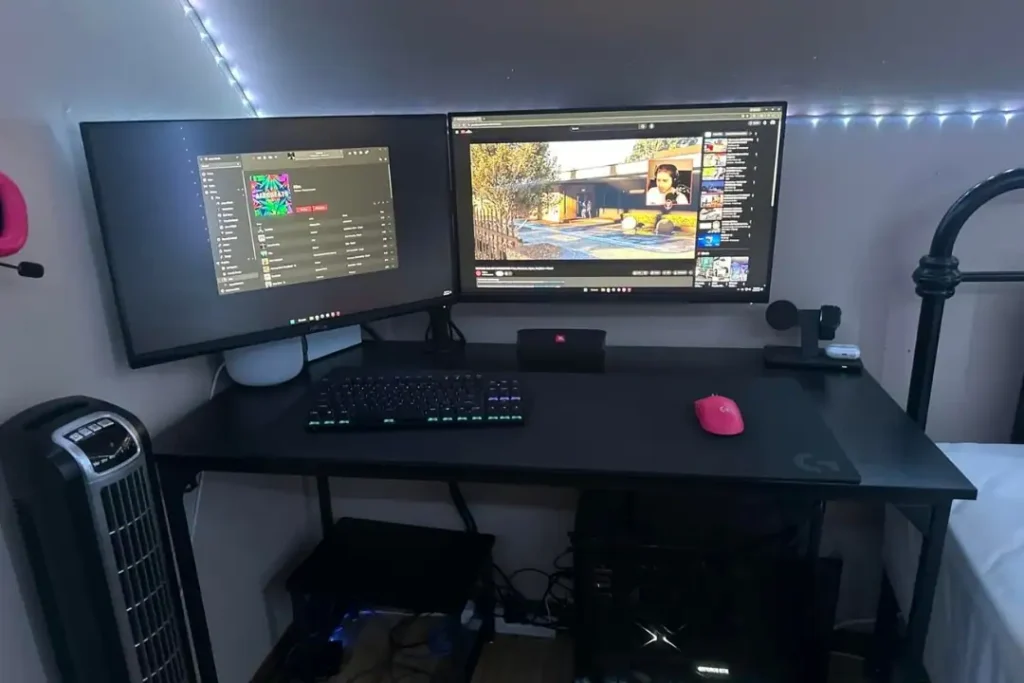
The ASUS TUF Gaming VG27AQ is a reliable 27-inch 1440p IPS monitor designed for smooth competitive and casual gaming. It comes with up to 165Hz refresh rate and low response time, so fast movements feel sharp and controlled. A big highlight is ASUS ELMB (Extreme Low Motion Blur), which helps reduce blur in quick scenes, making FPS games feel cleaner. It also supports Adaptive Sync and works with G-Sync Compatible, which is perfect if you want stable gameplay without tearing. The screen looks sharp for gaming, but it also works well as a second monitor for browsing, Discord, streaming tools, or editing while your main monitor handles the game.
Pros:
- Smooth and stable 165Hz performance
- ELMB improves motion clarity in fast games
- Great sharpness with 1440p resolution
- Strong build quality and gaming-focused design
- Works well as main or second monitor in dual setup
Cons:
- HDR is not very impressive
- Colors may need minor tuning out of the box
Why you buy this ASUS TUF Gaming VG27AQ:
- You want a solid dual monitor gaming display
- You play FPS and want less motion blur
- You want a trusted brand with consistent quality
- You want 1440p sharpness without going too expensive
- You want good performance for both gaming and daily use
3) Dell Alienware AW2723DF
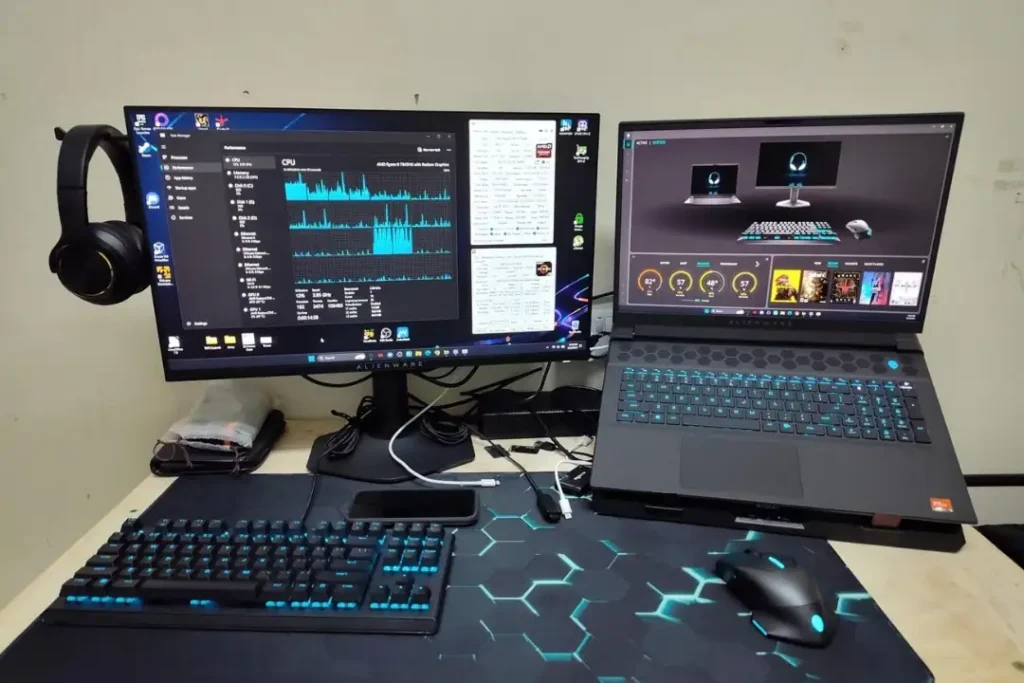
The Dell Alienware AW2723DF is a premium 27-inch 1440p IPS esports-level monitor for gamers who want top-tier speed. It offers an ultra-fast 240Hz refresh rate, which feels insanely smooth for competitive gaming and high FPS titles. Image quality is excellent, with sharp 1440p detail and strong colors, making it great not only for gaming but also for content consumption and multitasking. It supports both NVIDIA G-Sync Compatible and AMD FreeSync Premium Pro, which makes it a powerful option no matter what GPU you’re using. In a dual monitor gaming setup, this is the type of screen you use as your main competitive monitor, while the second screen handles chat, OBS, YouTube, or multitasking.
Pros:
- Super smooth 240Hz refresh rate for competitive gaming
- Excellent response time and motion performance
- Sharp 1440p clarity with strong IPS colors
- Premium Alienware design and build quality
- Great for streaming + gaming dual monitor setup
Cons:
- Expensive compared to standard 1440p monitors
- HDR is decent but not true premium HDR
Why you buy this Dell Alienware AW2723DF:
- You want 240Hz 1440p for serious gaming
- You need top-level smoothness for esports titles
- You want premium quality and strong monitor build
- You want a perfect main display for dual setup
- You want a monitor that feels like a real upgrade
Customers find this monitor to be a high-quality gaming display with crisp images and HDR capabilities, and they consider it well worth the price. The color accuracy receives positive feedback, with one customer noting good color calibration. While some customers report no dead pixels or ghosting issues, others experience flickering and significant light bleed around the edges. The functionality receives mixed reviews, with some saying it works well for both gaming and productivity while others report it stops working.
4) Gigabyte M27Q
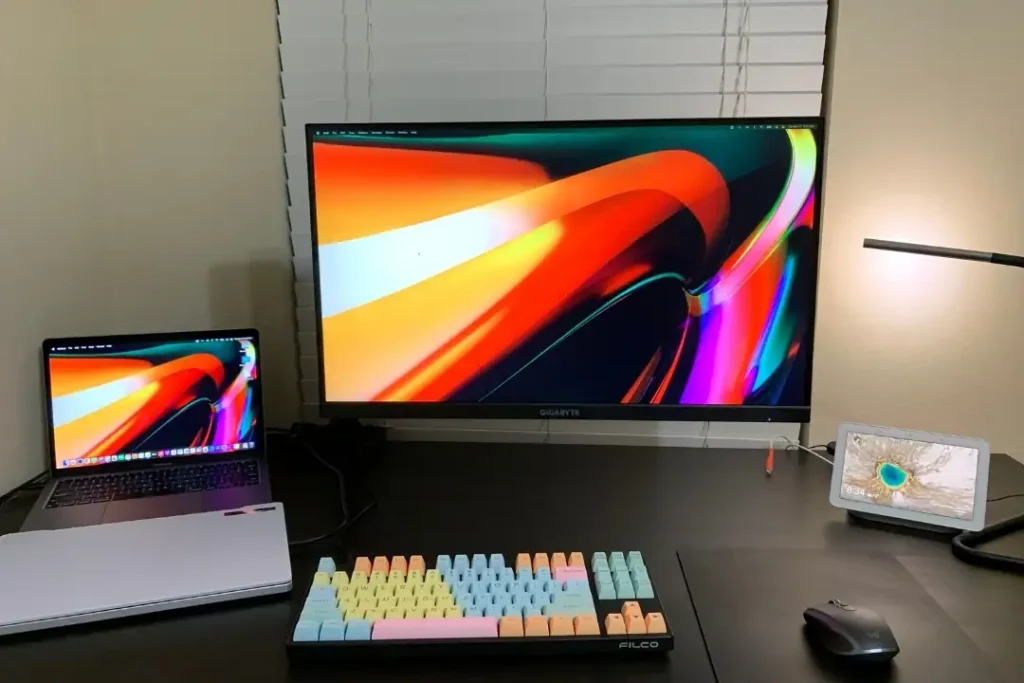
The Gigabyte M27Q is one of the best value 27-inch 1440p IPS monitors for dual monitor gamers. It offers a fast 170Hz refresh rate, making gameplay feel smooth and responsive. The IPS panel delivers sharp detail and good colors, so it’s not just for gaming, it’s also great for watching content and working. The biggest advantage is its built-in KVM switch, which lets you control two devices (like a PC and a laptop) using one keyboard and mouse. That feature makes this monitor amazing for people who game at night and work during the day. It’s a clean all-rounder that gives performance, features, and quality without being overly expensive.
Pros:
- Great value for 170Hz 1440p IPS
- Built-in KVM switch is perfect for multitasking
- Sharp display with smooth gaming performance
- Adaptive Sync support for tear-free gaming
- Excellent for both gaming and productivity
Cons:
- Stand quality is not the most premium
- HDR support is limited
Why you buy this Gigabyte M27Q:
- You want the best bang for money dual monitor setup
- You want gaming + work in one clean setup
- You use both a laptop and PC regularly
- You want a fast refresh monitor without overpaying
- You need a strong second monitor for productivity
Customers find this monitor to be a great gaming display with buttery smooth 170Hz refresh rate, amazing resolution, and extremely vibrant colors that cover 99%+ of the SRGB spectrum. Moreover, they consider it good value for money. Customers find this monitor to be a great gaming display with buttery smooth 170Hz refresh rate, amazing resolution, and extremely vibrant colors that cover 99%+ of the SRGB spectrum. Moreover, they consider it good value for money. However, the functionality and brightness receive mixed reviews – while some say it works great and the brightness is good, others report it stops working and experience light bleed issues.
5) Samsung Odyssey G7 (27″)
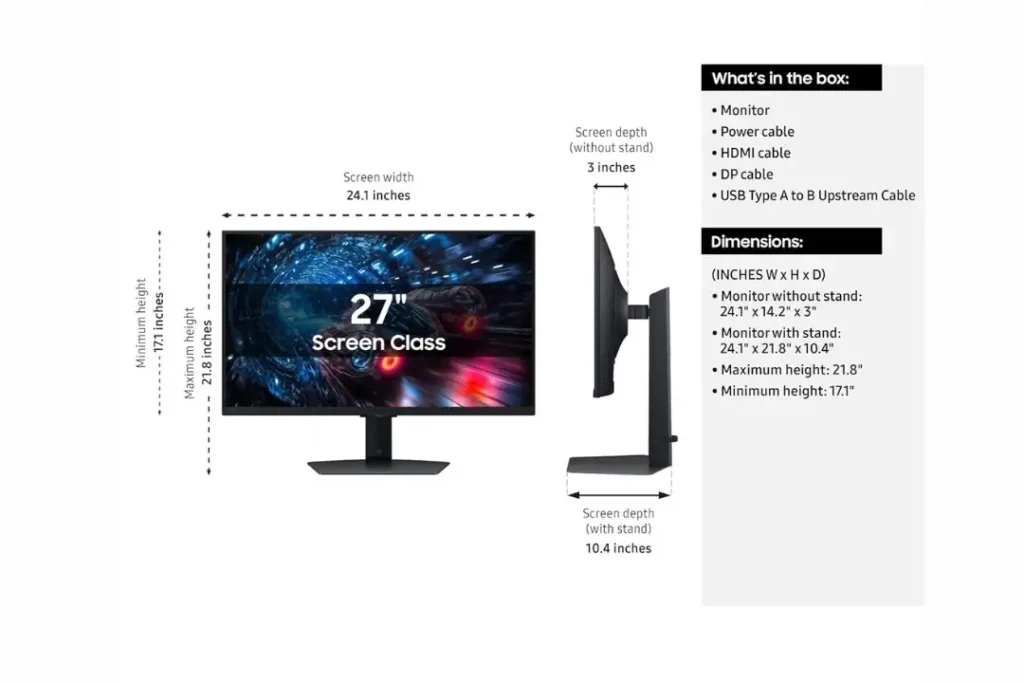
The Samsung Odyssey G7 is a high-performance 27-inch 1440p curved VA gaming monitor with a super fast 240Hz refresh rate. The deep curve makes games feel more immersive, especially in racing games, FPS shooters, and open-world titles. Since it uses a VA panel, it delivers deep blacks and strong contrast, which looks amazing in dark scenes and cinematic games. Motion is smooth and fast thanks to the 240Hz refresh rate, making it a great competitive monitor too. For a dual monitor gaming setup, this is an excellent main screen if you want both speed and immersion, while your second monitor can be flat for multitasking, browsing, and streaming tools.
Pros:
- Super fast 240Hz refresh rate
- Great contrast and deep blacks (VA panel strength)
- Curved screen improves immersion
- Works great for both competitive and story games
- Sharp 1440p details with strong performance
Cons:
- Curve is not for everyone
- Some VA panels can show slight ghosting in fast scenes
Why you buy this Samsung Odyssey G7:
- You want a curved dual monitor gaming experience
- You love immersive visuals with deep contrast
- You want 240Hz smoothness for competitive gaming
- You play a mix of FPS + story-based games
- You want a powerful main display for your setup
Customers praise the monitor’s image quality, noting it displays crystal clear images and has a high refresh rate. They also find it offers great value for the money.
6) MSI MAG274QRF-QD
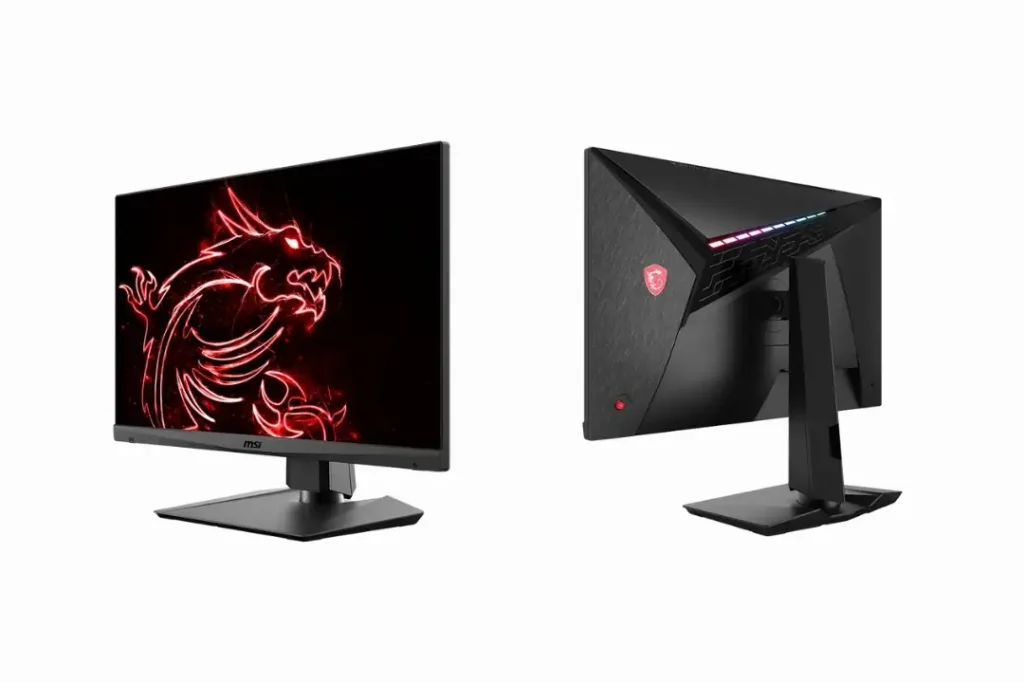
The MSI MAG274QRF-QD is a premium 27-inch 1440p IPS gaming monitor with a 165Hz refresh rate and Quantum Dot technology. That Quantum Dot color boost makes the screen look more vibrant and colorful than many regular IPS panels, which is perfect if you want your games to look rich and alive. It delivers sharp resolution, smooth performance, and excellent clarity in fast-paced action. It’s also a great pick for creators who want both gaming speed and better color output for content work. In a dual monitor setup, this monitor is excellent as a main display for gaming while your second screen takes care of editing, streaming controls, or multitasking.
Pros:
- Quantum Dot colors look super vibrant
- Smooth 165Hz refresh rate for gaming
- Excellent sharpness and clarity with 1440p
- Great for gaming + editing + daily work
- Premium feel and strong overall quality
Cons:
- More expensive than normal IPS monitors
- HDR is not top-tier
Why you buy this MSI MAG274QRF-QD:
- You want gaming speed with better colors
- You play fast games and want smooth motion
- You want a premium monitor for long-term use
- You do gaming + content work in one setup
- You want a high-quality dual monitor experience
7) AOC Q27G3XMN
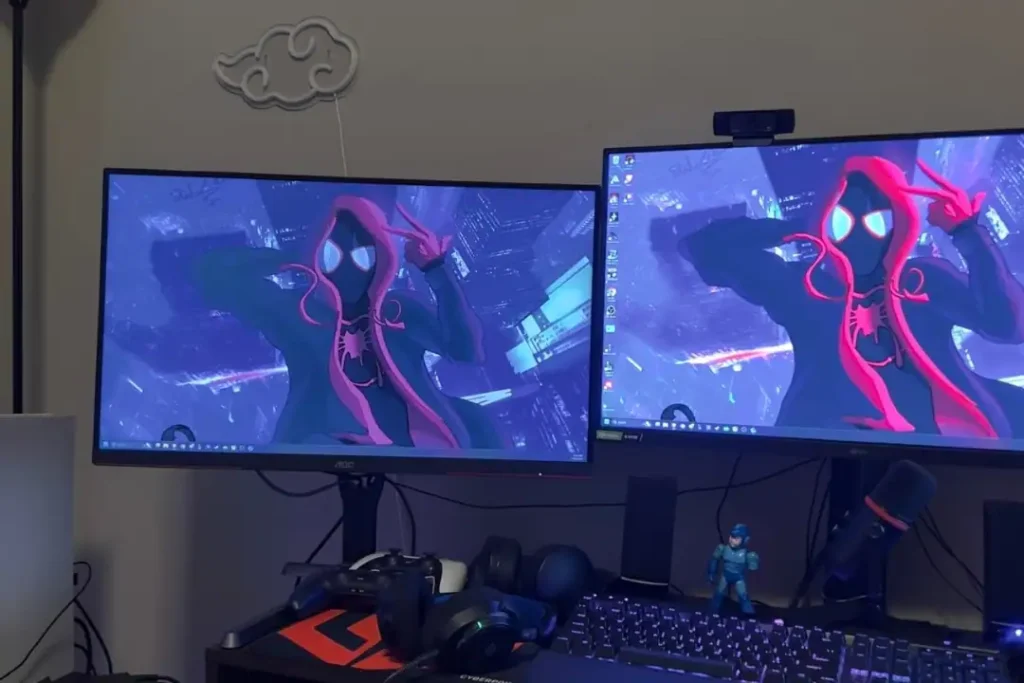
The AOC Q27G3XMN is a unique 27-inch 1440p gaming monitor that stands out because of its Mini-LED backlight, which gives better brightness and contrast than most normal IPS or VA monitors in this price range. It supports a fast 180Hz refresh rate, which makes gaming smooth and responsive. Mini-LED helps the monitor produce brighter highlights and deeper dark areas, making games and movies look more premium. It’s a great choice if you want a dual monitor setup where your main display looks impressive for HDR-style visuals, while your second monitor handles Discord, browser tabs, and streaming tools.
Pros:
- Mini-LED delivers high brightness and strong contrast
- Smooth 180Hz refresh rate for gaming
- Sharp 1440p visuals with great detail
- Excellent for gaming + movies + media
- Strong value compared to other Mini-LED monitors
Cons:
- Viewing angles may not be as strong as top IPS
- Needs settings tuning to get the best picture
Why you buy this AOC Q27G3XMN:
- You want Mini-LED quality for gaming
- You want better brightness and contrast than normal monitors
- You want a smooth 1440p 180Hz refresh rate high refresh display
- You love watching movies and playing story games
- You want a premium-looking main monitor in dual setup
Customers find this monitor to be a great gaming display with stunning HDR visuals, high contrast, and excellent color accuracy with near-perfect blacks. They consider it a good value for its price point. The refresh rate receives mixed feedback – while some praise the 180Hz refresh rate performance, others report VRR flicker in specific scenes. Performance and brightness also get mixed reviews, with some saying it works as expected while others report it frequently stops working, and while many appreciate the brightness, one customer notes the backlight zone glow is visible.
Summary
In this article, we have picked the 7 best monitors for dual gaming setup. These 7 monitors are excellent choices for a 2 monitor gaming setup because every product is able to deliver the perfect mix of sharp 1440p resolution with the smooth high refresh rates and strong gaming performance for a clean dual-screen experience. If you want the best overall balance, the LG 27GP850-B and ASUS TUF VG27AQ are reliable picks with great speed and color quality. For competitive gamers who want maximum smoothness, the Dell Alienware AW2723DF and Samsung Odyssey G7 stand out with their ultra-fast 240Hz performance.
If you want the best value with productivity benefits, the Gigabyte M27Q is amazing thanks to its built-in KVM switch, while the MSI MAG274QRF-QD offers rich and more vibrant colors for gaming and content work. Finally, the AOC Q27G3XMN 180Hz refresh rate is the best choice if you want brighter visuals and stronger contrast with Mini-LED quality, making your dual monitor setup look more premium overall.
Related post: best budget gaming monitors